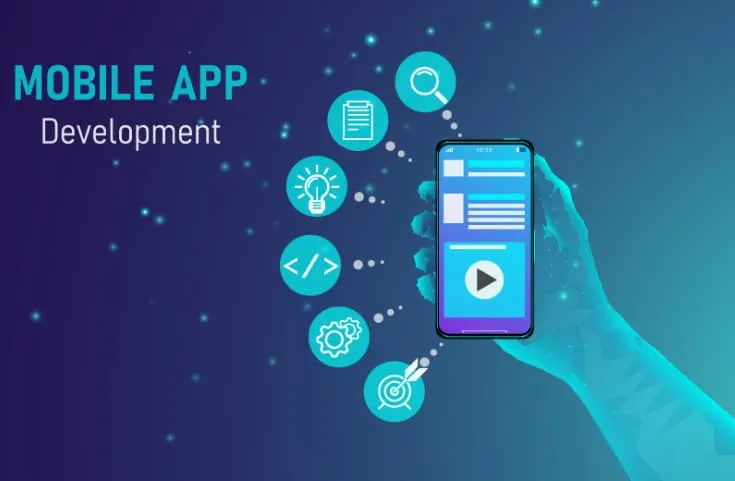
Educational Electronic Game Design: A Practical Guide in Jordan & GCC explains how to plan and build learning-focused games that are genuinely effective (not just entertaining), covering learning outcomes, game types, UX/UI, development steps, testing, and common mistakes.
What educational electronic game design means
Educational electronic game design is the process of creating a digital game where learning outcomes are built into the gameplay. The goal is to make learning measurable through interaction—practice, feedback, progression, and assessment—rather than passive reading or video-only content.
Why educational games work (when designed correctly)
Educational games can help learners:
-
Understand new concepts through interactive scenarios
-
Practice skills repeatedly with feedback (without feeling like “tests”)
-
Improve motivation and focus through progression and rewards
-
Build 21st-century skills like problem-solving and collaboration (in the right game types)
The key is alignment: game mechanics must reinforce learning, not distract from it.
Step 1: Define learning outcomes before game ideas
Start with what the learner must be able to do after playing.
Learning outcomes checklist
-
What skill/knowledge will improve?
-
What level of mastery is required (basic recall vs applied problem solving)?
-
How will the game measure success (score, level completion, accuracy, time)?
-
What “proof” can teachers/parents/admins see (reports, progress, certificates)?
Tip: If the outcome cannot be measured, it will be hard to prove the game is educational.
Step 2: Choose the right educational game type
Different learning goals need different game formats.
Common types (use-case driven)
Quiz and challenge games
Best for: recall, vocabulary, formulas, quick practice.
Puzzle and logic games
Best for: reasoning, pattern recognition, math thinking.
Simulation games
Best for: real-world decision-making (business, science labs, safety training).
Narrative/role-play games
Best for: language learning, ethics, history, social learning.
Micro-learning mini-games
Best for: short sessions, mobile-first audiences (common in Jordan & GCC).
AR/VR experiences (optional)
Best for: high-impact demonstrations (costlier; use only if truly needed).
Step 3: Design the “learning loop” inside the gameplay
A good educational game has a loop like:
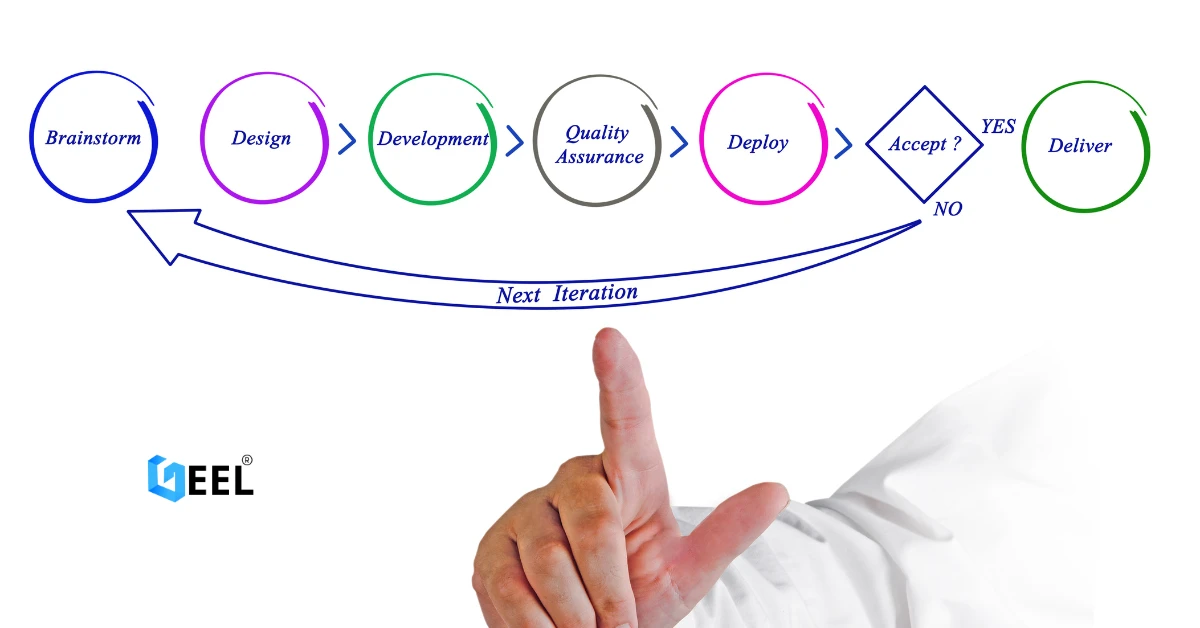
Play → Feedback → Correct/Improve → Reward → Next challenge
Learning loop checklist
-
Clear objective per level
-
Immediate feedback (right/wrong + why)
-
Difficulty progression (not random spikes)
-
Rewards that reflect learning (unlock new challenge types, not just cosmetics)
Step 4: UX/UI design for educational games (mobile-first matters)
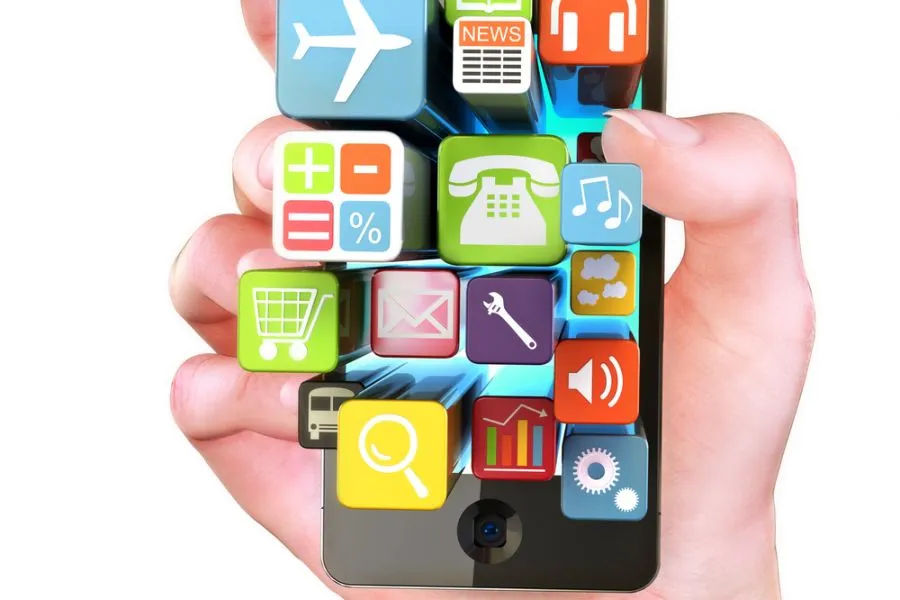
Many learners will play on mobile devices, especially in Jordan & GCC markets.
UX/UI checklist
-
Fast onboarding (first 30–60 seconds must be clear)
-
Simple navigation (Play, Progress, Settings)
-
Clear instructions that don’t interrupt play
-
Accessibility basics (readable text, contrast, sound controls)
-
Arabic/English support if relevant (and RTL readiness when Arabic UI is required)
Step 5: Content design and subject-matter accuracy
Educational games must be correct and consistent.
Content checklist
-
A content map (topics → levels → questions/scenarios)
-
Difficulty tiers (easy/medium/hard)
-
Review cycle with a subject-matter expert (SME)
-
Clear rules for explanations and hints
Step 6: Tech stack choices (engine + backend)
Engine selection (depends on scope)
-
2D vs 3D complexity
-
Target platforms (Android/iOS/web)
-
Team capability and timeline
-
Performance needs (mid-range phones must run smoothly)
Backend (only if needed)
You may need a backend for:
-
user accounts and progress saving
-
leaderboards/classroom dashboards
-
content management (updating questions/levels)
-
analytics and reporting
Step 7: Testing and quality (especially important for kids/students)
What to test
-
Gameplay correctness (no broken levels, no unfair scoring)
-
Learning measurement accuracy (progress reflects real performance)
-
Performance (fast load, stable frame rate, no crashes)
-
Device compatibility (multiple Android devices + iPhones)
-
Offline/weak network behavior (common real-life condition)
Privacy and safety basics (important in education)
-
Collect only necessary data
-
Clear consent flows where applicable
-
Secure authentication and role-based access for admins/teachers
-
No risky social features unless moderation is planned
Step 8: Launch checklist (and what happens after)
Educational games improve after launch based on real usage.
Launch checklist
✅ Store listing assets (if mobile)
✅ Age ratings and privacy disclosures (if required)
✅ Analytics events (level start/end, retries, drop-offs)
✅ Pilot rollout (small group first)
✅ Feedback collection plan (teachers/parents/students)
Post-launch (live improvements)
-
Balance difficulty based on data
-
Add new content packs gradually
-
Fix drop-off points in onboarding
-
Improve explanations where learners struggle most
Cost drivers (without pricing)
Educational game cost depends mainly on:
-
2D vs 3D scope
-
single-player vs multiplayer
-
backend needs (accounts, dashboards, CMS)
-
amount of content (levels/questions/scenarios)
-
analytics/reporting requirements
-
localization (Arabic/English)
-
testing scope (devices and platforms)
Common mistakes (and how to avoid them)
-
Making it fun but not educational → tie mechanics to learning outcomes
-
Too much text → teach through interaction, not paragraphs
-
No difficulty curve → plan progression carefully
-
Skipping pilot testing → release to a small group first
-
Ignoring mobile performance → optimize assets early
-
Weak measurement → define KPIs and progress rules from day one
FAQ
What’s the difference between an educational game and a normal game with “facts”?
Educational games measure learning and provide feedback loops; it’s not just adding questions to entertainment gameplay.
Should we start with a full game or a small MVP?
Start with an MVP: one learning loop, a few levels, basic progress tracking, then expand after feedback.
Do we need Arabic support for Jordan & GCC?
Often yes—many educational products benefit from bilingual support. Decide early to avoid expensive rework.
How do we prove learning impact?
Use progress data: accuracy over time, skill mastery levels, completion rates, and pre/post assessments (if applicable).
Related internal link (quiet)
Mobile App Development in Jordan & GCC


.webp)
.webp)








.webp)





.webp)