


 GeelTech, Wakalat Street, Amman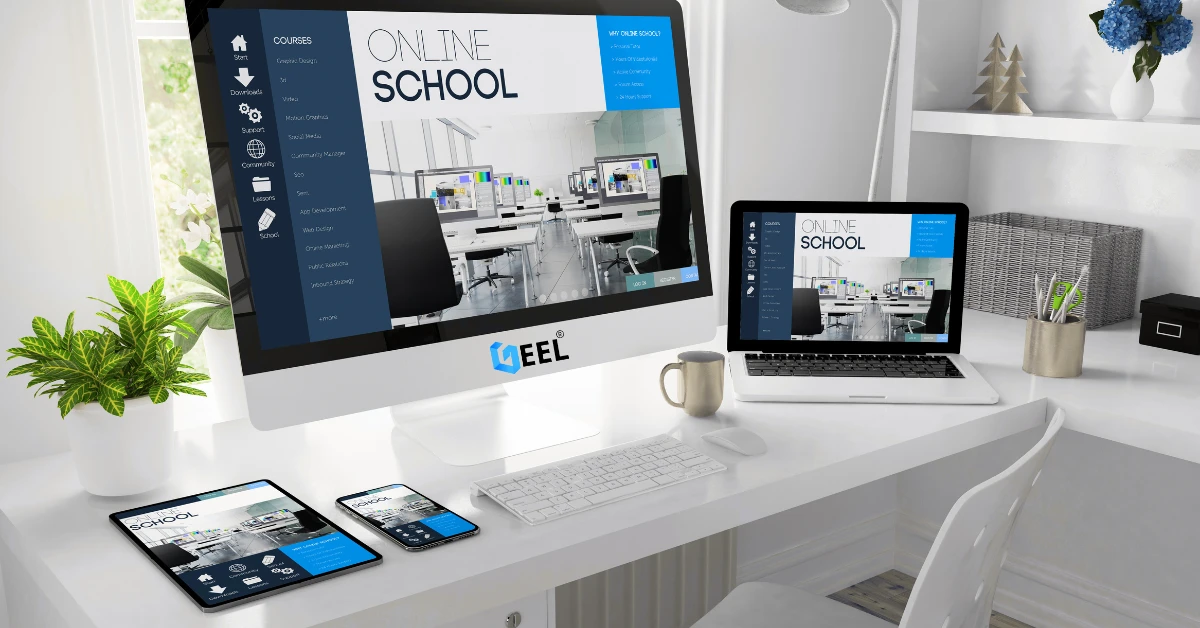
“Training Center & Private School Website Guide in Jordan: What to Include for Trust and Enrollments” is for any educational institution that wants a website that does more than look good. A strong education website helps parents and students quickly understand your programs, trust your institution, and complete the next step—whether that’s a registration request or a school visit.
1) Define the Main Goal of the Website
Choose one primary goal:
-
Enrollment / registration requests
-
Program discovery (courses, levels, tracks)
-
Parent communication (announcements, calendar, policies)
-
Building trust (faculty, facilities, outcomes)
A focused site converts better than a site trying to do everything.
2) Essential Pages Every Education Website Should Have
Homepage
-
Clear positioning (who you serve + what you offer)
-
One main CTA: “Request Registration” or “Book a Visit”
-
Quick links to programs and admissions
Programs / Courses
Create separate pages for programs, levels, or tracks. Each page should include:
-
who it’s for
-
duration / schedule overview
-
outcomes (skills or learning objectives)
-
requirements (documents or placement steps)
Admissions / Registration
Keep it simple:
-
short form (name, contact, program, notes)
-
clear next steps (when you reply, what to prepare)
About
-
mission and values
-
facilities overview (brief)
-
policies highlights (optional)
Staff / Trainers
-
profiles and credentials
-
subjects or courses taught
Calendar / Schedule
-
key dates (intakes, exams, holidays, sessions)
FAQ
Answer common questions:
-
fees structure (general)
-
placement tests
-
timings and attendance
-
certificates (for training centers)
Contact
-
phone, email, WhatsApp (optional)
-
location + Google Maps
To help parents find you faster and trust your location, make sure your Google Business Profile is optimized and your address matches your website. -
working hours
3) Features That Improve Enrollments and Reduce Questions
-
Fast mobile experience (most parents browse on phones). Prioritize speed and usability—Mobile-Friendly Website Design can be the difference between a visit request and a bounce.
-
Clear CTAs on key pages
-
Simple registration forms
-
Announcements / updates section
-
Real photo/video gallery
-
Optional private area (later): student/parent portal
4) SEO Basics for Education Websites in Jordan
To appear for searches like “private school in Amman” or “training center in Jordan”:
-
one page per program/course (avoid one giant page)
-
clear page titles and headings
-
internal linking (Programs ↔ Admissions ↔ Contact)
-
consistent business info + Google Maps embed
-
optimized images (compressed + descriptive filenames)
Avoid copy-pasting across program pages—unique content helps ranking.
5) Trust Signals That Matter in Education
-
real photos of the environment
-
staff credentials (where appropriate)
-
testimonials (optional)
-
clear next steps for enrollment
-
privacy and safeguarding notes (brief, if relevant)
6) Common Mistakes to Avoid
-
long, confusing registration forms
-
missing program details
-
slow pages due to heavy media
-
no clear CTA
-
outdated schedules and announcements
Quick Checklist (Before Publishing)
✅ Each program has its own page
✅ Admissions steps are clear
✅ Mobile speed is fast
✅ Maps + contact info are obvious
✅ FAQ answers common questions
✅ Tracking is enabled (form submissions)
Related reading : → Small Business Web Design Services | Mobile App Development | Website Design & Development