


 GeelTech, Wakalat Street, Amman

Mobile-Friendly Website Design: SEO Impact, and Best Practices explains what “mobile-friendly” really means, how to design for phones first, and how mobile UX affects conversions and SEO—using practical checklists, testing steps, and common mistakes.
What you’ll learn in this guide
-
What mobile-friendly design means (and what it doesn’t)
-
Responsive vs mobile-first (quick difference)
-
The 5 biggest benefits (with practical context)
-
A complete mobile UX + performance checklist
-
Common mistakes to avoid
-
How to test your site on real phones
-
FAQs
What is a mobile-friendly website design?
A mobile-friendly website design is a website that works smoothly on smartphones and small screens. It’s built so content is readable without zooming, buttons are easy to tap, pages load fast, and key actions (call, WhatsApp, form, checkout) are frictionless.
Mobile-friendly is usually achieved through responsive design, meaning the same website adapts its layout based on screen size. In many cases, teams also adopt a mobile-first approach, designing for phones first, then expanding to tablets and desktops.
Mobile-friendly vs mobile-first (simple difference)
Responsive (mobile-friendly)
-
The layout adapts across devices
-
Often designed on desktop first, then adjusted for mobile
Mobile-first
-
Designed primarily for mobile experience
-
Desktop becomes an enhanced version
This approach usually performs better because it prioritizes the device most users actually use.
Five real benefits of mobile-friendly website design
1) Better accessibility
Users can access and understand your site quickly on any phone, which increases reach and reduces frustration—especially for first-time visitors.
2) Users stay longer (lower bounce)
When the site loads fast and reads well on mobile, visitors are more likely to explore multiple pages, which improves engagement and conversions.
3) Stronger competitiveness
If two businesses offer similar services, the mobile experience can be the deciding factor. A smoother mobile website often wins the inquiry or purchase.
4) Easier maintenance (one responsive site)
Instead of managing multiple versions, a single responsive site reduces long-term maintenance and content formatting effort.
5) Improved SEO performance (mobile experience matters)
Mobile usability and speed affect user behavior (bounce rate, time on site), and better experience often supports better SEO outcomes—especially when paired with clean structure and technical SEO.
Mobile-friendly website design checklist (practical)
Layout and readability
-
Headings are clear and scannable
-
Font size is readable on phones (no zoom needed)
-
Line spacing and padding make content comfortable
-
Avoid long paragraphs (use sections and bullets)
Navigation
-
Simple menu (avoid huge dropdowns)
-
Sticky header only if it helps (not if it blocks content)
-
Search (optional) for large sites
-
Breadcrumbs (optional) for deep content
Tap targets and forms (conversion-critical)
-
Buttons are easy to tap (no tiny links)
-
Forms are short and mobile-friendly
-
Inputs match type (phone keypad for phone field, email keyboard for email)
-
Clear error messages (not generic “invalid”)
-
One main action per page (call, WhatsApp, form, checkout)
Performance and speed
-
Compress images (largest speed gain)
-
Use modern formats where possible
-
Lazy-load images below the fold
-
Minimize heavy scripts
-
Avoid auto-play videos on mobile
Content and SEO structure
-
One clear H1 per page
-
Logical H2/H3 structure
-
Clear page titles and meta descriptions
-
Internal links between related pages
-
Avoid duplicate content across pages
Trust and clarity (especially for services)
-
Contact methods visible without scrolling too much
-
Location, working hours (if relevant)
-
Clear service descriptions (what you do, for whom, how it works)
Common mistakes (and how to avoid them)
Desktop-first layouts squeezed into mobile
Fix: design mobile-first or rebuild sections using stacked layouts.
Heavy images and sliders
Fix: reduce hero slider usage, compress images, prioritize speed.
Too much text above the fold
Fix: short intro + key points + CTA, then details.
Forms that feel “too long”
Fix: collect only essential info; move extra questions later.
Popups that block the screen
Fix: use minimal popups; ensure close button is obvious and tappable.
How to test mobile-friendly design (simple steps)
-
Test on at least 2 Android phones and 1 iPhone
-
Test on weak internet (3G/slow Wi-Fi)
-
Click every CTA: call, WhatsApp, map, form submit
-
Check readability in sunlight (contrast matters)
-
Confirm no layout shifts while loading
FAQ
Is a responsive website enough for mobile?
Often yes, but “responsive” alone isn’t enough if the mobile layout is slow, cluttered, or hard to tap. Mobile-friendly means usability + speed + clarity.
Do mobile-friendly websites rank better automatically?
Not automatically. Ranking improves when mobile-friendly design is paired with strong content intent, clean structure, fast load time, and good technical SEO.
Should I create a separate mobile website?
Usually no. A single responsive site is easier to maintain and better for SEO in most cases.
Related internal link
Website Design & Development in Jordan & GCC
Our News

Yalla Tahadi App: A Unique Jordanian Experience of Fun and Brain Challenges
20.May.2025
Accounting & Auditing Website Guide in Jordan: What Your Firm Needs to Win Trust & Leads
14.Apr.2025
Travel & Tourism Booking Website Guide (Jordan): What You Actually Need to Get Bookings
14.Apr.2025
Construction Company Website Guide in Jordan: What to Include to Win More Projects
13.Apr.2025
Training Center & Private School Website Guide in Jordan: What to Include for Trust and Enrollments
13.Apr.2025
Engineering Office Website Guide in Jordan: What to Include for Trust and Project Leads
13.Apr.2025
Beauty Salon Website Guide in Jordan: What to Include for Bookings and Trust
13.Apr.2025
Lawyer Website Guide in Jordan & GCC: What to Include for Trust and Consultations
11.Apr.2025
Geel Tech’s Methodology for Managing Large-Scale Tech Projects in Jordan & GCC
05.Apr.2025
How to Choose a Domain + Set Up Professional Email in Jordan
20.Mar.2025
How to Create a Google Business Profile in Jordan: A Step-by-Step Guide for Better Visibility
20.Mar.2025
Payment Gateway Selection Guide in Jordan & GCC: Requirements, Fees, and Integration Steps
19.Mar.2025
Geel Tech Prepares for Expansion into Saudi Arabia: A Strategic Step Towards a Tech-Driven Future
17.Mar.2025
The Future of Jobs: Which Roles Are Changing Fast and How to Adapt
15.Mar.2025
How to Create an App Similar to Uber or Talabat: A Practical Guide
01.Mar.2025
AI Use Cases for Jordanian Businesses (Automation, Analytics, Security) + Implementation Checklist
27.Feb.2025
Programming for Beginners in Jordan: A Comprehensive Guide to Roadmaps, Careers, and Future-Proof Benefits
04.Nov.2024
PHP Development in Jordan & GCC: Why It Still Powers Modern Websites and Business Systems
04.Nov.2024
Network Security and Compliance Solutions: A Practical Guide for Jordan & GCC Businesses
04.Nov.2024
How to Create a Restaurant Ordering System in Jordan & GCC (QR Menu + Online Payments)
04.Nov.2024
3 Types of Customer Relationship Management Software in Jordan & GCC
04.Nov.2024
Benefits of ERP Solutions in Jordan & GCC: A Practical Guide
04.Nov.2024
Wireless Network Infrastructure Specialist: Positions and Obligations
04.Nov.2024
Mobile App Developers in Jordan: What They Do and How to Work With Them
03.Nov.2024
How AI Is Transforming the World: A Practical Guide
25.Sep.2024
Artificial Intelligence and the Future of Humans: Opportunities, Challenges, and Impact
25.Sep.2024
3 Ways Artificial Intelligence Is Already Changing the World
25.Sep.2024
How to Create a Website for Free (and When It Stops Being Free)
25.Sep.2024
Mobile Development in Jordan & GCC: Ecosystem, Telecom Evolution, and App Launch Checklist
25.Sep.2024
Computer Science Technology: Definition, Key Fields, and Real-World Uses
25.Sep.2024
Computer Systems Analyst: Role, Skills, and Deliverables
25.Sep.2024
Computer Information Systems Administration (MIS): Practical Guide in Jordan & GCC
25.Sep.2024
Design of Gaming Applications: A Practical Guide in Jordan & GCC
17.Sep.2024
Educational Electronic Game Design: A Practical Guide in Jordan & GCC
05.Sep.2024
Mobile App Development Roadmap 2026: 9-Step Plan to Build and Launch an App
05.Sep.2024
Best Programming Language for E-commerce Websites (2026 Guide)
05.Sep.2024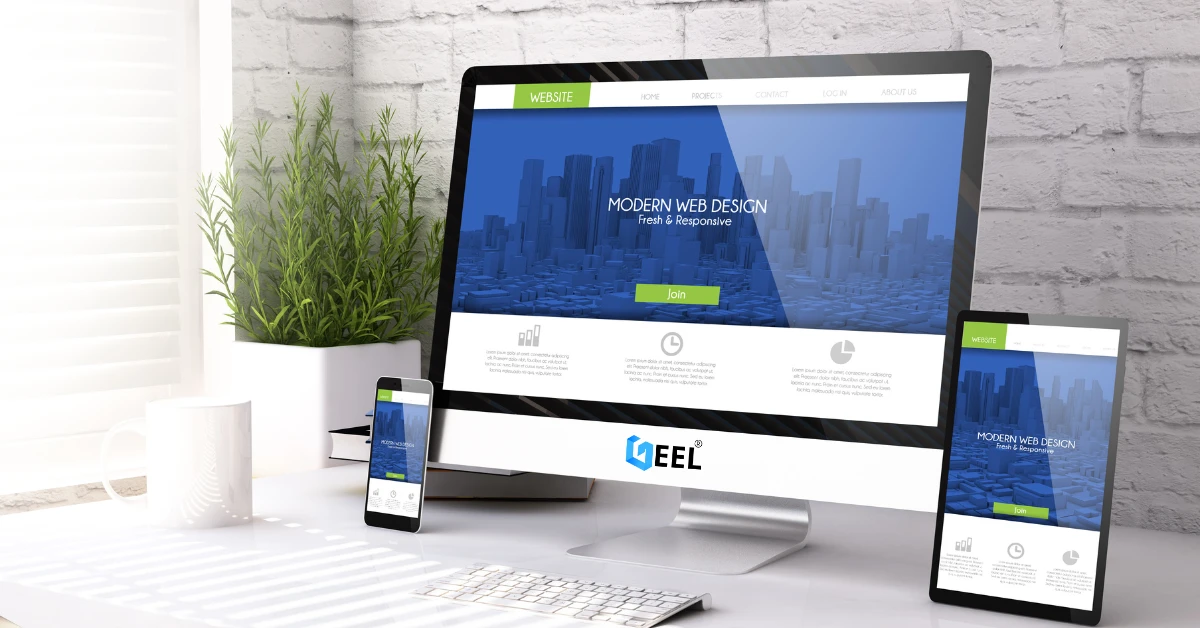
Website Redesign Examples: What Changes and Why It Works
05.Sep.2024
Custom Mobile App Development in Jordan & GCC: Business Benefits Checklist
27.Aug.2024
What Leading Mobile App Development Companies Aim to Achieve
24.Aug.2024
The 5 Most Important Processes Performed by Mobile App Development Experts
11.Aug.2024