


 GeelTech, Wakalat Street, Amman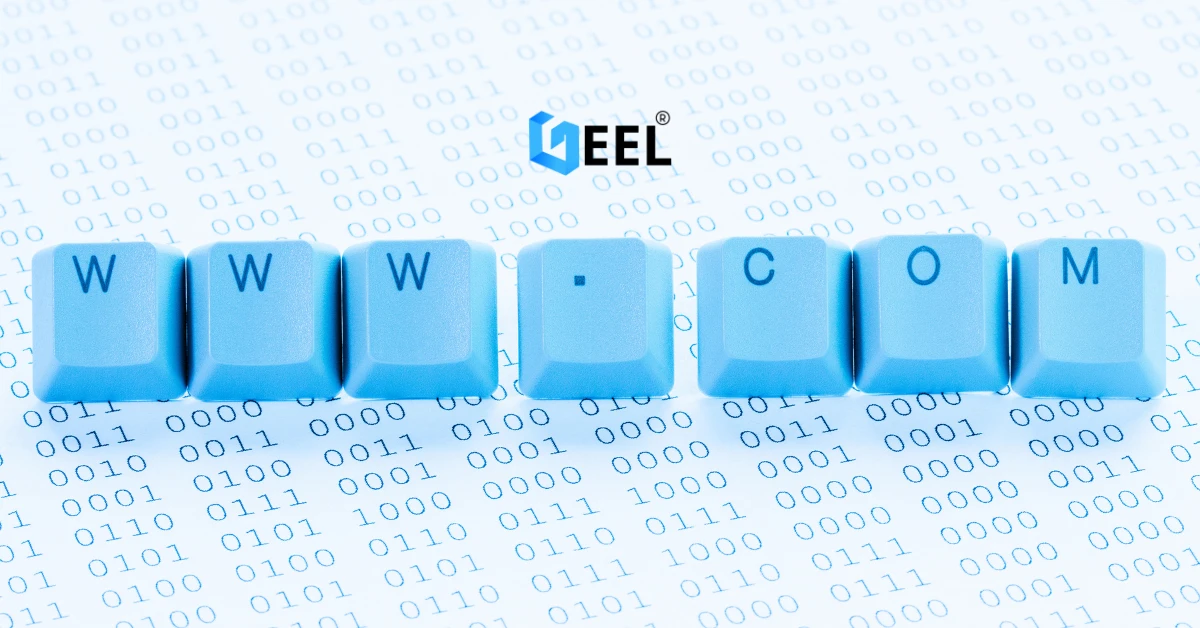

How to Choose a Domain + Set Up Professional Email in Jordan is a practical guide to help businesses pick a strong domain name and create professional email addresses on that domain—step by step, with common pitfalls and a quick FAQ.
What you’ll get from this guide
-
A domain selection checklist (name, extension, availability)
-
A setup checklist for professional email (mailboxes, DNS, security)
-
Recommended structure for company email addresses
-
Common mistakes to avoid
-
FAQ for fast decisions
Step 1: Choose a domain name (the essentials)
Domain naming checklist
-
Keep it short and easy to spell
-
Avoid hyphens and numbers (unless your brand includes them)
-
Prefer a name that matches your company name or brand
-
Make it easy to pronounce in Arabic and English (if you serve both)
-
Check for common misspellings (and consider registering them if needed)
Quick naming patterns that work
-
brandname.com
-
brandnamejo.com (if the exact brand is unavailable)
-
brandnamegroup.com (if you manage multiple services)
Step 2: Pick the right domain extension
Common extensions for Jordan-based businesses
-
.com (most universal, easiest to remember)
-
.net (common alternative if .com is taken)
-
.org (best for organizations and nonprofits)
If you operate locally and regionally
If your business targets Jordan and the GCC, choose an extension that doesn’t limit you to one city or market. Many companies use .com as the primary domain and add local variants only if necessary.
Step 3: Check availability and secure your domain
Availability checklist
-
Confirm the domain is available to register
-
Verify similar names aren’t owned by competitors (to avoid confusion)
-
Check if social media handles match your domain (optional but helpful)
Ownership checklist (important)
-
Register the domain under your company name (or the business owner officially)
-
Store login credentials securely
-
Make sure renewal settings are clear so the domain doesn’t expire
Step 4: Connect your domain to the right destination (website or landing page)
Basic options
- If you’re planning to launch a website soon, explore website design & development in Jordan & GCC to connect your domain the right way from day one.
-
If you already have a website: point the domain to your hosting
-
If you don’t have a website yet: connect it to a simple landing page
-
If you only need email now: you can set up email first and build the website later
Step 5: Set up professional email on your domain
Email structure checklist (recommended)
Use role-based emails so your team can change without losing continuity:
For individuals (optional):
Step 6: Configure DNS records for email (the core technical step)
DNS checklist for email
-
MX records (route mail to your email provider)
-
SPF record (helps prevent spoofing)
-
DKIM record (adds email signing for trust)
-
DMARC policy (reduces phishing and improves deliverability)
Tip: SPF/DKIM/DMARC are not “nice extras”—they strongly affect whether your emails land in inbox or spam. If you want this configured correctly without trial and error, our business email setup service includes SPF, DKIM, and DMARC configuration.
Step 7: Set up mailboxes, storage, and access
Mailbox setup checklist
-
Create mailboxes for each role (info, support, sales…)
-
Set passwords with strong rules (length + unique)
-
Decide storage needs (based on attachments and team size)
-
Enable webmail access + configure Outlook/Apple Mail/Gmail apps (if needed)
Access and team management checklist
-
Decide who can access each mailbox
-
Use shared inboxes only when needed (support@, info@)
-
Set up forwarding carefully (avoid forwarding everything to personal email)
Step 8: Add security basics from day one
Security checklist
-
Enable 2FA where supported
-
Use password managers (recommended)
-
Limit admin access to one or two trusted accounts
-
Create backup/recovery methods (recovery email/phone)
-
Keep a record of DNS changes and admin logins
Step 9: Optional but recommended extras
Email signature checklist
-
Full name + title
-
Company name
-
Phone number
-
Website link
-
Office address (optional)
Email consistency checklist
-
Use one official format across the company
-
Keep job titles and department naming consistent
-
Add a simple policy: “No business from personal email”
Common mistakes (and how to avoid them)
Choosing a hard-to-spell domain
Fix: shorten the name and avoid hyphens/numbers.
Registering the domain under a freelancer’s account
Fix: domain ownership must be under the company/owner, with controlled access.
Skipping SPF/DKIM/DMARC
Fix: configure all three to protect reputation and improve deliverability.
Using personal Gmail/Yahoo for business
Fix: move to domain-based email for trust, branding, and control.
Creating too many inboxes without a plan
Fix: start with role-based addresses, then expand as your team grows.
Forgetting renewals
Fix: enable auto-renew and set calendar reminders.
FAQ
Do I need a website to use a domain email?
No. You can register a domain and set up professional email first, then build your website later.
Which is better for a business in Jordan: .com or another extension?
In most cases, .com is the most recognizable and easiest to share. If it’s unavailable, use a clean alternative that still matches your brand.
How many company emails should I start with?
Start with 3–5 role-based emails (info, sales, support, accounts, hr) then expand as needed.
Why do emails sometimes go to spam?
Common reasons: missing SPF/DKIM/DMARC, poor sender reputation, or inconsistent domain configuration.
Can I access my business email on my phone?
Yes—most providers support webmail and mobile apps, plus setup on Outlook/Apple Mail.
Conclusion
A good domain name and professional email setup give your business a stronger identity, better trust, and more control over communication. Use the checklists above to choose a clean domain, configure DNS correctly, and secure your business email from day one.
Related services : → How to Create a Website for Free | Mobile-Friendly Website Design | Domain Registration Services in Jordan & GCC