


 GeelTech, Wakalat Street, Amman

How to Create a Website for Free (and When It Stops Being Free) is a practical guide for individuals and small businesses in Jordan and the GCC to launch a simple website using free tools, understand the real limitations of “free” plans, and know exactly when upgrading is worth it.
What you’ll learn
-
Which “free website” options actually work (and for what)
-
A step-by-step checklist to publish fast
-
The hidden limits of free plans (domain, ads, SEO, storage)
-
Basic SEO setup you can do without paying
-
Common mistakes + FAQs
Step 1: Choose the right “free” path for your goal
If you need a simple info site (portfolio / club / landing page)
Pick a free builder that publishes to a subdomain (example: yoursite.builder.com).
If you need a blog with regular posts
Choose a platform with built-in blogging tools (free plans exist, but have limits).
If you need online store / payments / advanced booking
Free plans usually won’t be enough. You can still start free to validate the idea, but plan an upgrade later.
Step 2: Pick a free website platform (quick comparison)
Drag-and-drop builders (fastest for beginners)
-
Wix / Weebly / similar builders: easy templates, fast setup
Typical limits on free plans: ads, subdomain, limited SEO control, limited storage
Simple site builders (clean, minimal)
-
Google Sites: very simple and stable for basic pages
Typical limits: limited design flexibility and advanced SEO controls
Blog-first platforms
-
WordPress.com (free plan): good for writing and basic sites
Typical limits: subdomain, limited theme/plugin control on free plan
One-page sites
-
Carrd (free plan): great for a single-page landing page
Typical limits: fewer pages/features unless upgraded
Tip: If your goal is “publish today,” choose the simplest builder that fits your content. You can rebuild later when you upgrade.
Step 3: Sign up and choose a template
Checklist:
-
Choose a template that matches your site type (business / portfolio / blog)
-
Make sure it looks good on mobile (most visitors will be on phones)
-
Pick a clean layout over a flashy one (readability wins)
Step 4: Create your site structure (pages that matter)
For most small sites, this structure is enough:
Essential pages
-
Home
-
About
-
Services / What you offer
-
Contact
Optional but useful
-
FAQ
-
Blog (if you plan to post regularly)
-
Privacy Policy (recommended if you collect any data)
Step 5: Customize the content (what to write)
Use this simple pattern per page:
-
One clear headline (what this page is about)
-
2–6 short sections (not long walls of text)
-
Clear contact method (email / form / WhatsApp button if you use it)
Content checklist:
-
Business name (consistent spelling)
-
City/country (Jordan / GCC city if relevant)
-
Phone/email
-
Working hours (if applicable)
-
Clear offer (what you do, for whom)
Step 6: Publish your website (free publishing basics)
Most free builders publish under a subdomain and may add their branding.
Before you hit publish:
-
Preview on mobile
-
Test all buttons and links
-
Check spelling and contact info
-
Make sure images are not huge (speed matters)
Step 7: Basic SEO you can do for free
Even on a free plan, you can still do the basics:
On-page SEO checklist
-
Use one clear H1 on each page
-
Add headings that match what people search (H2/H3)
-
Write a short, clear intro on each page
-
Use descriptive page titles (not “Home” only)
Local SEO basics (Jordan & GCC)
-
Mention your city/area naturally where relevant (e.g., Amman, Irbid, Riyadh, Dubai)
-
Make contact details easy to find
-
If you have a physical location, add a map link (even if you can’t embed)
Performance basics
-
Compress images (large images slow everything)
-
Keep pages lightweight
-
Avoid auto-play videos
The real limits of “free” (and when you should upgrade)
A free website is perfect for starting, but upgrades become worth it when you need:
A custom domain
Instead of yoursite.builder.com, you want yourbrand.com.
No platform ads
Free plans often show builder branding/ads.
Better SEO control
Some platforms restrict SEO settings on free plans.
Professional email
If you want info@yourbrand.com, you’ll need a domain + email service.
Advanced features
-
Payments / e-commerce
-
Booking systems
-
Member accounts
-
Integrations and automation
Common mistakes (and how to avoid them)
Choosing a platform that doesn’t match your goal
Fix: decide first (landing page vs blog vs store), then pick the tool.
Publishing with weak content
Fix: write clear headlines, services, and contact info first—design second.
Ignoring mobile experience
Fix: preview every page on mobile before publishing.
Using heavy images
Fix: compress images to keep the site fast.
Treating the subdomain as “final”
Fix: start free, then upgrade to a custom domain when the site proves value.
FAQ
Is a free website good enough for a business?
For a basic online presence, yes. For stronger branding, SEO, and trust, a custom domain and professional email usually become important.
Can I rank on Google with a free website?
Sometimes, but free plans often limit SEO control and domain authority. You can still improve visibility with good content and local signals.
Do I need a custom domain immediately?
Not immediately. If you’re validating an idea, start free—upgrade once you’re sure the site will stay and grow.
What’s the fastest way to publish today?
Use a simple builder + a clean template + 3–4 pages. Publish with a subdomain, then improve gradually.
Explore our services: Mobile App Development • Website Design & Development • Custom Software Development
Our News

Yalla Tahadi App: A Unique Jordanian Experience of Fun and Brain Challenges
20.May.2025
Accounting & Auditing Website Guide in Jordan: What Your Firm Needs to Win Trust & Leads
14.Apr.2025
Travel & Tourism Booking Website Guide (Jordan): What You Actually Need to Get Bookings
14.Apr.2025
Construction Company Website Guide in Jordan: What to Include to Win More Projects
13.Apr.2025
Training Center & Private School Website Guide in Jordan: What to Include for Trust and Enrollments
13.Apr.2025
Engineering Office Website Guide in Jordan: What to Include for Trust and Project Leads
13.Apr.2025
Beauty Salon Website Guide in Jordan: What to Include for Bookings and Trust
13.Apr.2025
Lawyer Website Guide in Jordan & GCC: What to Include for Trust and Consultations
11.Apr.2025
Geel Tech’s Methodology for Managing Large-Scale Tech Projects in Jordan & GCC
05.Apr.2025
How to Choose a Domain + Set Up Professional Email in Jordan
20.Mar.2025
How to Create a Google Business Profile in Jordan: A Step-by-Step Guide for Better Visibility
20.Mar.2025
Payment Gateway Selection Guide in Jordan & GCC: Requirements, Fees, and Integration Steps
19.Mar.2025
Geel Tech Prepares for Expansion into Saudi Arabia: A Strategic Step Towards a Tech-Driven Future
17.Mar.2025
The Future of Jobs: Which Roles Are Changing Fast and How to Adapt
15.Mar.2025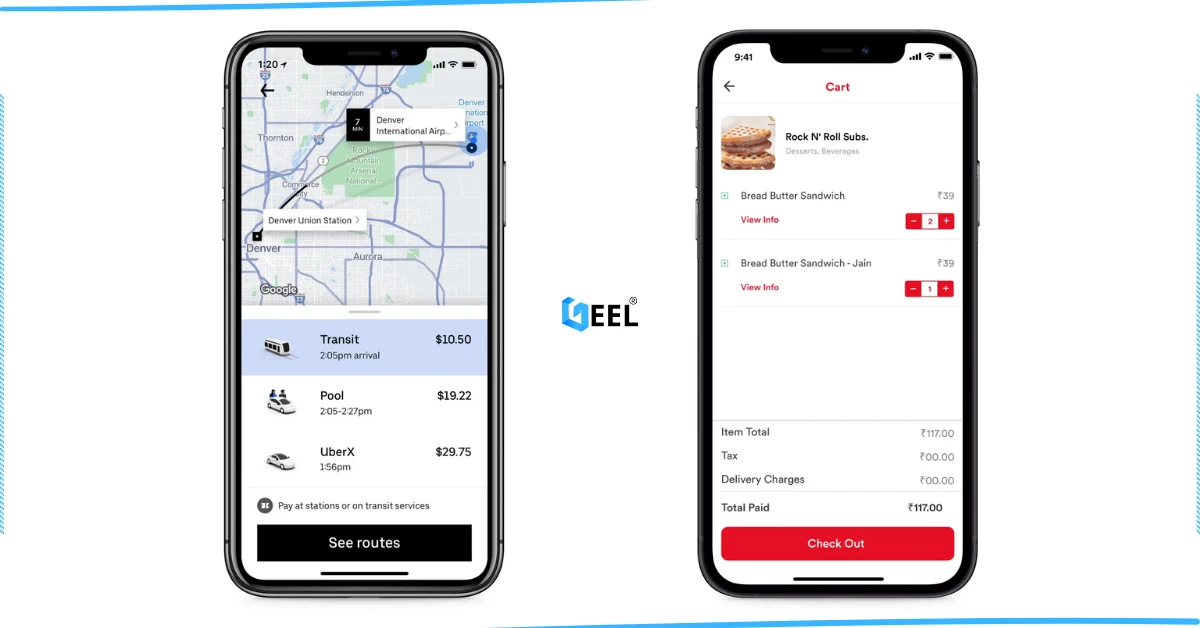
How to Create an App Similar to Uber or Talabat: A Practical Guide
01.Mar.2025
AI Use Cases for Jordanian Businesses (Automation, Analytics, Security) + Implementation Checklist
27.Feb.2025
Programming for Beginners in Jordan: A Comprehensive Guide to Roadmaps, Careers, and Future-Proof Benefits
04.Nov.2024
PHP Development in Jordan & GCC: Why It Still Powers Modern Websites and Business Systems
04.Nov.2024
Network Security and Compliance Solutions: A Practical Guide for Jordan & GCC Businesses
04.Nov.2024
How to Create a Restaurant Ordering System in Jordan & GCC (QR Menu + Online Payments)
04.Nov.2024
3 Types of Customer Relationship Management Software in Jordan & GCC
04.Nov.2024
Benefits of ERP Solutions in Jordan & GCC: A Practical Guide
04.Nov.2024
Wireless Network Infrastructure Specialist: Positions and Obligations
04.Nov.2024
Mobile App Developers in Jordan: What They Do and How to Work With Them
03.Nov.2024
How AI Is Transforming the World: A Practical Guide
25.Sep.2024
Artificial Intelligence and the Future of Humans: Opportunities, Challenges, and Impact
25.Sep.2024
3 Ways Artificial Intelligence Is Already Changing the World
25.Sep.2024
Mobile Development in Jordan & GCC: Ecosystem, Telecom Evolution, and App Launch Checklist
25.Sep.2024
Computer Science Technology: Definition, Key Fields, and Real-World Uses
25.Sep.2024
Computer Systems Analyst: Role, Skills, and Deliverables
25.Sep.2024
Computer Information Systems Administration (MIS): Practical Guide in Jordan & GCC
25.Sep.2024
Design of Gaming Applications: A Practical Guide in Jordan & GCC
17.Sep.2024
Educational Electronic Game Design: A Practical Guide in Jordan & GCC
05.Sep.2024
Mobile App Development Roadmap 2026: 9-Step Plan to Build and Launch an App
05.Sep.2024
Best Programming Language for E-commerce Websites (2026 Guide)
05.Sep.2024
Website Redesign Examples: What Changes and Why It Works
05.Sep.2024
Mobile-Friendly Website Design: SEO Impact, and Best Practices
28.Aug.2024
Custom Mobile App Development in Jordan & GCC: Business Benefits Checklist
27.Aug.2024
What Leading Mobile App Development Companies Aim to Achieve
24.Aug.2024
The 5 Most Important Processes Performed by Mobile App Development Experts
11.Aug.2024