


 GeelTech, Wakalat Street, Amman

How to Create a Restaurant Ordering System in Jordan & GCC (QR Menu + Online Payments) is a practical guide for restaurants operating in Jordan and across GCC markets to plan, build, and launch an online ordering flow—from a digital menu and QR codes to payments, kitchen operations, and reporting.
What you’ll learn in this guide (Jordan & GCC focus)
-
What a restaurant ordering system includes beyond a digital menu
-
MVP features you need vs features you can add later
-
Step-by-step setup checklist for Jordan & GCC restaurant operations
-
Payments and operational requirements commonly needed in the region
-
Common mistakes to avoid
-
FAQs
What is a restaurant ordering system?
A restaurant ordering system is a digital flow that lets customers browse the menu, place an order (often by scanning a QR code at the table), and optionally pay online—while the restaurant tracks orders, updates statuses, and routes tickets to the kitchen.
Common ordering modes for restaurants in Jordan & GCC (choose your scope first)
Dine-in table ordering (QR at each table)
-
Customer scans a QR code, selects items, submits order
-
Kitchen receives tickets; staff serve the table
-
Payment can be online or at cashier
Pickup / takeaway ordering
-
Customer orders from their phone, selects pickup time
-
Restaurant prepares and marks the order ready
Delivery ordering
-
Includes address capture, delivery fees, and delivery status updates
-
Useful for restaurants serving wider zones in Jordan or GCC cities
Tip: Start with one mode (often dine-in QR or pickup) then expand.
MVP features checklist for a Jordan & GCC launch (what you need to start)
Customer side
-
Digital menu (categories, items, prices, add-ons)
-
Item details (ingredients/allergens notes where relevant)
-
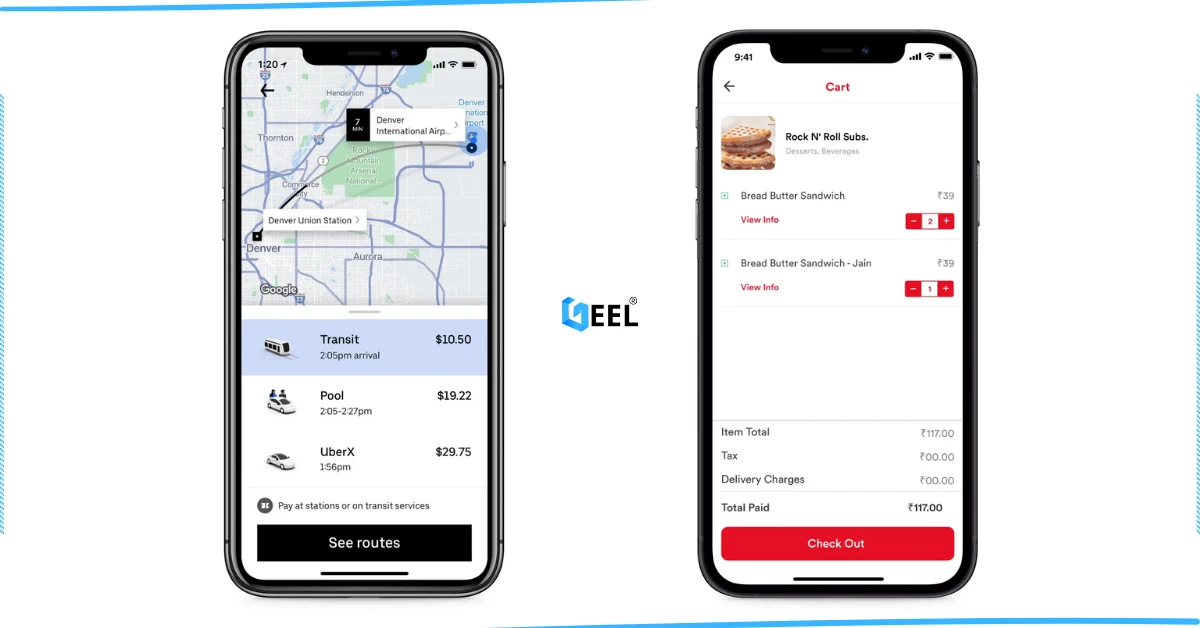
Cart + quantities + special notes
-
Order confirmation screen (and order ID)
-
Optional: online payment + receipt
Restaurant side
-
Admin panel to manage menu, prices, availability
-
Table management (table numbers + QR codes)
-
Order dashboard (new → preparing → ready/served → completed)
-
Kitchen view (KDS) or printable tickets
-
Basic reports (daily orders, top items, revenue summary)
System basics
-
Mobile-first performance (fast menu load in busy hours)
-
Multi-branch support (common for brands expanding across Jordan & GCC)
-
Role permissions (admin vs cashier vs kitchen)
Step-by-step: How to create the system (Jordan & GCC ready)
Step 1: Define your flow and policies
-
Will customers pay online, at the cashier, or both?
-
Do you allow edits/cancellations after submission?
-
How do you handle out-of-stock items?
-
Do you support tips/service charges (if your market requires it)?
Step 2: Prepare your menu data
-
Categories (Appetizers, Mains, Drinks…)
-
Items (name, description, price)
-
Variations/add-ons (size, sauces, extras)
-
Availability rules (breakfast-only, weekend-only)
-
Allergen notes (highly recommended)
Step 3: Build the digital menu experience
-
Clear categories + clean layout
-
Search (optional but useful)
-
“Popular items” (optional)
-
Accurate totals with add-ons
-
Fast loading on mobile networks (important in Jordan & GCC footfall peaks)
A fast mobile experience is not optional for QR ordering. Mobile-friendly website design helps reduce drop-offs during peak hours.
Step 4: Create table QR codes
-
Generate one QR per table (Table 1, Table 2…)
-
Each QR opens the correct branch + table session
-
Print durable codes (stickers/stands)
-
Add instruction: “Scan to view menu & order”
Step 5: Implement order creation and statuses
-
New order appears instantly on the restaurant dashboard
-
Kitchen marks statuses (preparing/ready)
-
Staff marks served (for dine-in)
-
Optional: customer sees live status updates
Step 6: Add online payments (optional)
If you enable online payments for Jordan & GCC customers, plan for:
-
Payment confirmation via webhooks (server-to-server)
If you want to compare fees, onboarding requirements, and real integration risks across Jordan & GCC, explore our payment gateway selection guide.
-
Handling failed payments (retry/switch)
-
Refund workflow (full/partial if needed)
-
Storing transaction references safely (no sensitive card data)
Step 7: Add operations tools that matter in real restaurants
Kitchen workflow
-
KDS screen or ticket printing
-
Clear modifier display (no onions, extra sauce, allergy notes)
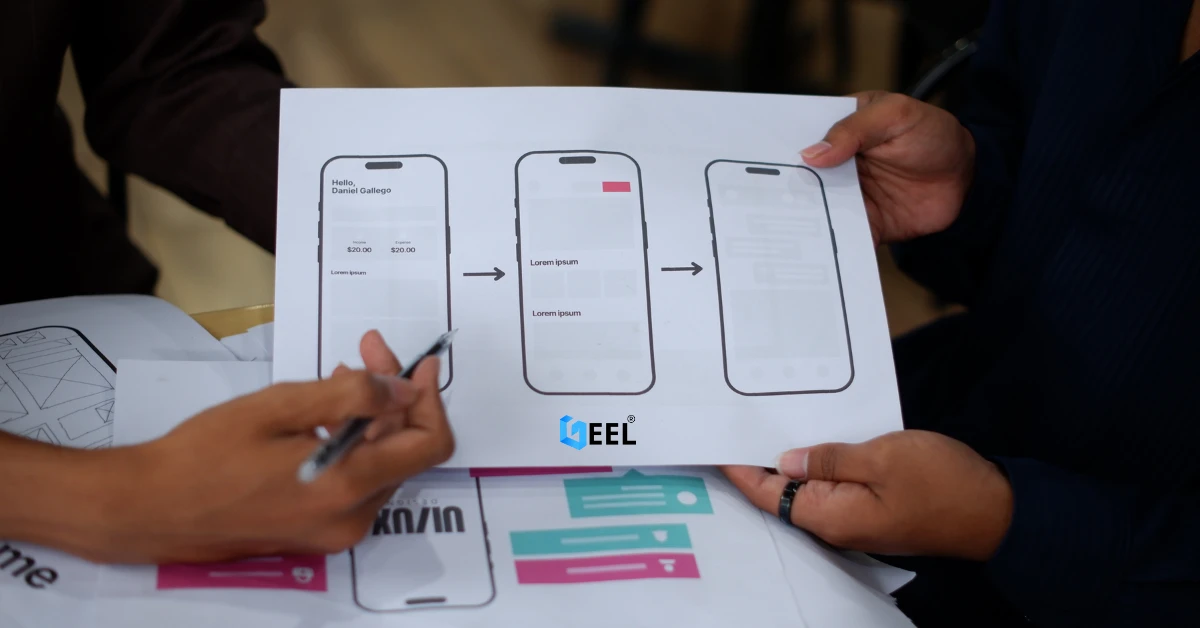
Well-structured UX/UI design makes kitchen screens and staff flows easier, faster, and less error-prone during rush hours.
Staff workflow
-
Table view: pending/served status
-
Ability to escalate issues quickly during rush hours
Multi-branch workflow (for brands across Jordan & GCC)
-
Separate menus per branch (if needed)
-
Branch-level roles, permissions, and reporting
Step 8: Reporting essentials
-
Peak hours + day-of-week trends
-
Top-selling items by branch
-
Average order value
-
Cancellation/refund reasons
-
Menu performance insights
Step 9: Launch checklist
✅ Test on Android + iPhone
✅ Test weak internet (restaurant Wi-Fi can drop)
✅ Test payment success/failure/refund (if enabled)
✅ Test out-of-stock changes during service
✅ Train staff on the full flow (new → kitchen → served)
✅ Verify every table QR opens the right page
Common mistakes (and how to avoid them)
Treating it as “just a QR menu”
Fix: you need orders + statuses + kitchen workflow, not only a menu page.
Weak Wi-Fi coverage
Fix: test coverage at tables and during peak hours.
No item availability control
Fix: add an “out of stock” toggle and hide/disable unavailable items.
Weak payment confirmation logic
Fix: confirm payments server-to-server, not only by success screens.
Overbuilding v1
Fix: ship a clean MVP first, then add loyalty, promos, advanced analytics.
FAQ (Jordan & GCC)
Do customers need to download an app?
No—QR ordering usually works as a mobile web experience.
Can it support Arabic and English?
Yes—bilingual menus are common across Jordan and GCC markets.
What devices does the restaurant need?
At minimum: one tablet/PC for orders, and one kitchen screen/printer setup.
Can it support multiple branches?
Yes—plan multi-branch structure early with roles and reports.
Should we start with online payments?
You can start with pay-at-cashier and add online payments later, but if you enable online payments, implement refunds and confirmation properly.
Conclusion
A restaurant ordering system in Jordan and the GCC succeeds when it’s fast on mobile, easy for staff, and reliable during peak hours. Start with a focused MVP (menu + ordering + kitchen + admin), then expand once the workflow is stable.
Looking for a reliable technical partner? → Website Design & Development in Jordan & GCC
Related reading :→ Small Business Web Design Services | The Ultimate Mobile App Development Roadmap