


 GeelTech, Wakalat Street, Amman

Custom Mobile App Development in Jordan & GCC: Business Benefits Checklist is a practical guide to help you decide when a custom app makes sense, what benefits it can deliver, what features belong in an MVP, and what to plan for (integrations, security, analytics, and maintenance).
What is custom mobile app development?
Custom mobile app development means building an app tailored to your business workflows, users, and systems—rather than adapting a generic template or relying only on off-the-shelf tools. A custom app is designed around your exact processes (orders, bookings, delivery, approvals, inventory, customer support, etc.) and can integrate directly with your existing systems via APIs.
When should you build custom vs use off-the-shelf?
Use this quick decision framework:
Choose off-the-shelf if
-
Your process is standard (basic CRM, basic booking, simple catalog)
-
You need something “good enough” quickly
-
Deep integrations are not required
-
You can accept the platform’s limits (features, branding, data ownership)
Choose custom if
-
Your workflow is unique or multi-step (approvals, roles, branches, complex rules)
-
You need integrations (ERP/CRM, payments, POS, maps, WhatsApp/email, analytics)
-
You need strong control over security and permissions
-
You want scalability and ownership of the product roadmap
How custom mobile apps help a business (benefits checklist)
1) Better fit for real workflows
Custom apps can match your day-to-day operations instead of forcing your team into a generic process.
Examples:
-
Logistics: route rules, driver assignment, proof of delivery
-
Healthcare operations: booking, reminders, queues, staff roles
-
Retail: inventory sync, branch-level pricing, loyalty rules
2) Productivity and operational efficiency
A well-designed custom app reduces manual handoffs and repeated data entry.
Checklist:
-
One workflow instead of multiple tools
-
Automated status updates (order → preparing → ready → delivered)
-
Centralized admin panel for operations and reporting
3) Stronger brand experience (without relying on “platform look”)
A custom app can reflect your brand and keep the experience consistent across screens and user roles.
4) Data-driven decisions (analytics that match your KPIs)
Custom apps can track what matters to your business, not only “generic” metrics.
Examples:
-
Funnel drop-offs (where users quit)
-
Repeat purchase behavior
-
Delivery times, cancellations, refunds reasons
-
Feature adoption by segment (city/branch/customer type)
5) Easier integration with existing systems
Custom apps can integrate with:
-
ERP/CRM
-
accounting and invoicing systems
-
payment gateways
-
maps/geo services
-
support tools and ticketing
This reduces data silos and improves consistency.
6) Security designed around your risk profile
You can implement security that matches your needs:
-
role-based access (admin vs staff vs user vs provider)
-
secure authentication (OTP, SSO if needed)
-
encryption and safe token handling
-
secure API design and audit logs (especially for admin actions)
7) Monetization options (if applicable)
Depending on your model, a custom app can support:
-
commissions, subscriptions, or fixed fees
-
in-app purchases (for consumer apps)
-
partner offers/marketplace flows
-
loyalty programs and targeted promotions
MVP checklist (what to launch first)
A strong MVP is the smallest version that completes one full loop (request → fulfill → confirm).
MVP essentials
-
Authentication (often phone OTP in the region)
-
Core flow (order/booking/request + confirmation)
-
Status tracking (requested → in progress → completed)
-
Notifications (critical updates only)
-
Admin panel (monitoring + basic controls)
-
Basic analytics events (start, completion, drop-off)
What usually should wait
-
advanced loyalty and promos
-
complex segmentation and personalization
-
“nice-to-have” screens that don’t affect the core loop
-
multi-language expansion if your first market is single-language (unless required)
Development stages (high-level roadmap)
Step 1: Requirements and scope
-
define user roles and core journeys
-
list must-haves vs phase-2 features
-
define success KPIs
Step 2: UX/UI design
-
user flows → wireframes → clickable prototype
-
confirm edge cases (refunds, cancellations, failures)
Step 3: Build (mobile + backend + admin)
-
APIs, database, and business rules
-
mobile apps (Android/iOS or cross-platform)
-
admin dashboard and reporting basics
Step 4: Testing and release readiness
-
device testing (multiple Android + iPhones)
-
payment failure cases (if payments exist)
-
performance and crash testing
-
store release checklist
Step 5: Launch + iteration
-
monitor crashes and funnel behavior
-
fix top issues quickly
-
expand features based on real usage
Cost drivers (without pricing)
Custom app cost is mostly driven by:
-
number of user roles (user/provider/admin/merchant/driver)
-
integrations (payments, maps, ERP/CRM, notifications)
-
real-time features (tracking, dispatching, chat)
-
multi-branch logic and permissions
-
reporting complexity
-
languages (Arabic/English) and RTL scope
-
testing scope and device coverage
Common mistakes to avoid
-
building too many features before validating the core loop
-
weak integration planning (data mismatch and manual work continues)
-
relying on “success screens” instead of server-side confirmation for payments
-
no admin tools (operations become chaotic)
-
ignoring maintenance (OS updates, dependencies, security patches)
-
insufficient device testing (Android variety is real)
FAQ
Is custom always better than ready-made apps?
Not always. If your workflow is standard and budget/time is tight, off-the-shelf can be a smart start. Custom becomes valuable when differentiation, integration, and control matter.
Should we build native or cross-platform?
Native (Swift/Kotlin) can be best for maximum platform control. Cross-platform (like Flutter) can speed delivery with one codebase. The right choice depends on features, timeline, and team expertise.
Do we need a backend?
If you have users, orders, payments, tracking, roles, or reporting—yes. Most business apps depend on APIs and a database.
How do we ensure security?
Use role-based permissions, secure authentication, encryption, safe token handling, audit logs, and continuous updates—plus proper testing.
Conclusion
Custom mobile app development is most valuable when your business needs a workflow-specific product that integrates with your systems, supports real operations, and produces reliable data for decisions. Start with a clear MVP, build strong integrations and security foundations, then scale features based on usage.
Related internal link
Mobile App Development in Jordan & GCC
Our News

Yalla Tahadi App: A Unique Jordanian Experience of Fun and Brain Challenges
20.May.2025
Accounting & Auditing Website Guide in Jordan: What Your Firm Needs to Win Trust & Leads
14.Apr.2025
Travel & Tourism Booking Website Guide (Jordan): What You Actually Need to Get Bookings
14.Apr.2025
Construction Company Website Guide in Jordan: What to Include to Win More Projects
13.Apr.2025
Training Center & Private School Website Guide in Jordan: What to Include for Trust and Enrollments
13.Apr.2025
Engineering Office Website Guide in Jordan: What to Include for Trust and Project Leads
13.Apr.2025
Beauty Salon Website Guide in Jordan: What to Include for Bookings and Trust
13.Apr.2025
Lawyer Website Guide in Jordan & GCC: What to Include for Trust and Consultations
11.Apr.2025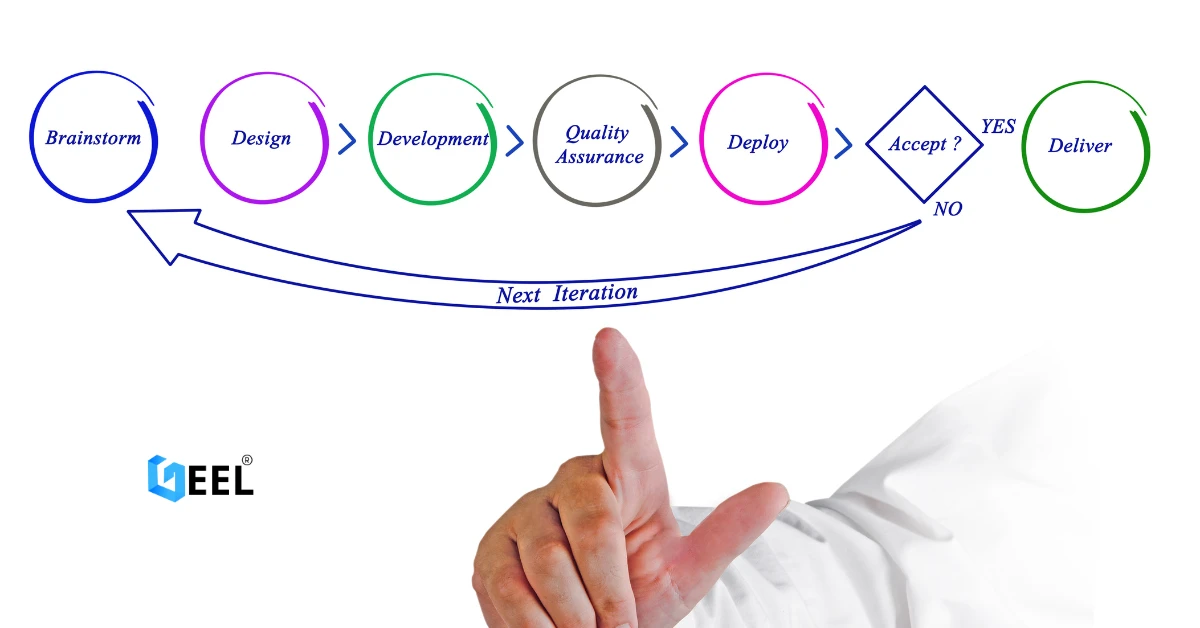
Geel Tech’s Methodology for Managing Large-Scale Tech Projects in Jordan & GCC
05.Apr.2025
How to Choose a Domain + Set Up Professional Email in Jordan
20.Mar.2025
How to Create a Google Business Profile in Jordan: A Step-by-Step Guide for Better Visibility
20.Mar.2025
Payment Gateway Selection Guide in Jordan & GCC: Requirements, Fees, and Integration Steps
19.Mar.2025
Geel Tech Prepares for Expansion into Saudi Arabia: A Strategic Step Towards a Tech-Driven Future
17.Mar.2025
The Future of Jobs: Which Roles Are Changing Fast and How to Adapt
15.Mar.2025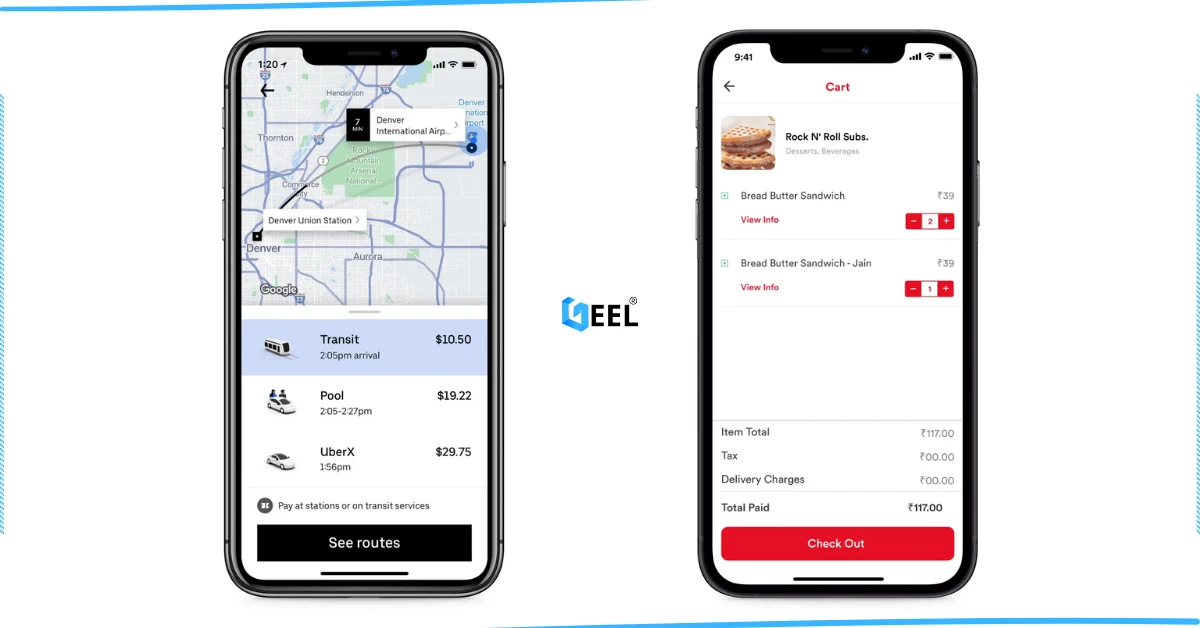
How to Create an App Similar to Uber or Talabat: A Practical Guide
01.Mar.2025
AI Use Cases for Jordanian Businesses (Automation, Analytics, Security) + Implementation Checklist
27.Feb.2025
Programming for Beginners in Jordan: A Comprehensive Guide to Roadmaps, Careers, and Future-Proof Benefits
04.Nov.2024
PHP Development in Jordan & GCC: Why It Still Powers Modern Websites and Business Systems
04.Nov.2024
Network Security and Compliance Solutions: A Practical Guide for Jordan & GCC Businesses
04.Nov.2024
How to Create a Restaurant Ordering System in Jordan & GCC (QR Menu + Online Payments)
04.Nov.2024
3 Types of Customer Relationship Management Software in Jordan & GCC
04.Nov.2024
Benefits of ERP Solutions in Jordan & GCC: A Practical Guide
04.Nov.2024
Wireless Network Infrastructure Specialist: Positions and Obligations
04.Nov.2024
Mobile App Developers in Jordan: What They Do and How to Work With Them
03.Nov.2024
How AI Is Transforming the World: A Practical Guide
25.Sep.2024
Artificial Intelligence and the Future of Humans: Opportunities, Challenges, and Impact
25.Sep.2024
3 Ways Artificial Intelligence Is Already Changing the World
25.Sep.2024
How to Create a Website for Free (and When It Stops Being Free)
25.Sep.2024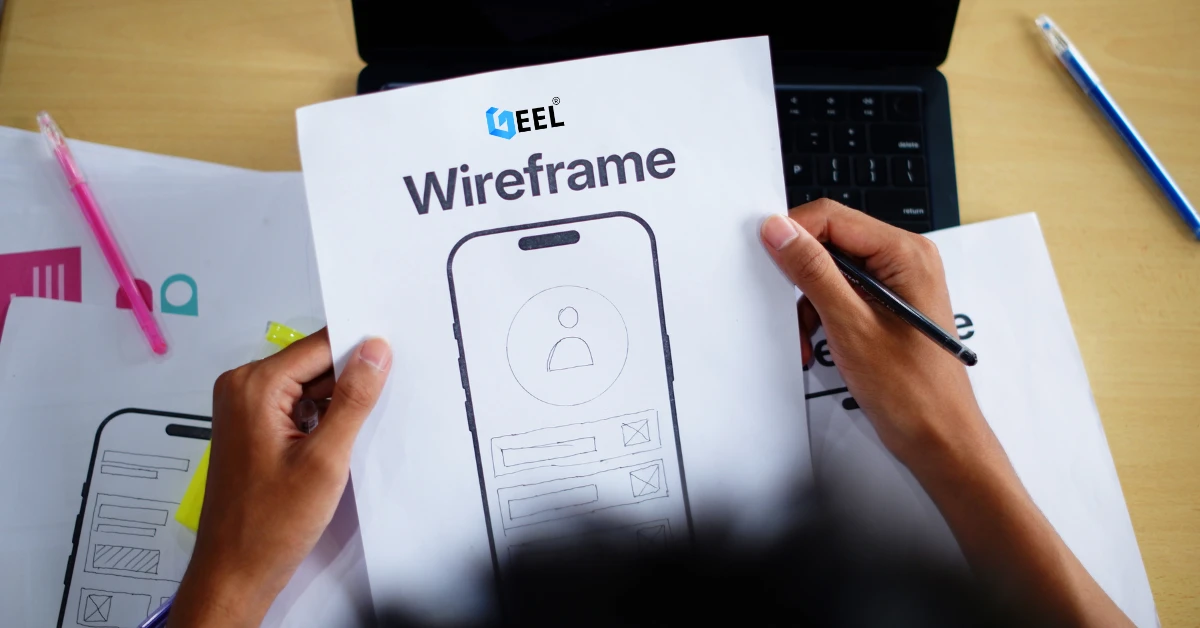
Mobile Development in Jordan & GCC: Ecosystem, Telecom Evolution, and App Launch Checklist
25.Sep.2024
Computer Science Technology: Definition, Key Fields, and Real-World Uses
25.Sep.2024
Computer Systems Analyst: Role, Skills, and Deliverables
25.Sep.2024
Computer Information Systems Administration (MIS): Practical Guide in Jordan & GCC
25.Sep.2024
Design of Gaming Applications: A Practical Guide in Jordan & GCC
17.Sep.2024
Educational Electronic Game Design: A Practical Guide in Jordan & GCC
05.Sep.2024
Mobile App Development Roadmap 2026: 9-Step Plan to Build and Launch an App
05.Sep.2024
Best Programming Language for E-commerce Websites (2026 Guide)
05.Sep.2024
Website Redesign Examples: What Changes and Why It Works
05.Sep.2024
Mobile-Friendly Website Design: SEO Impact, and Best Practices
28.Aug.2024
What Leading Mobile App Development Companies Aim to Achieve
24.Aug.2024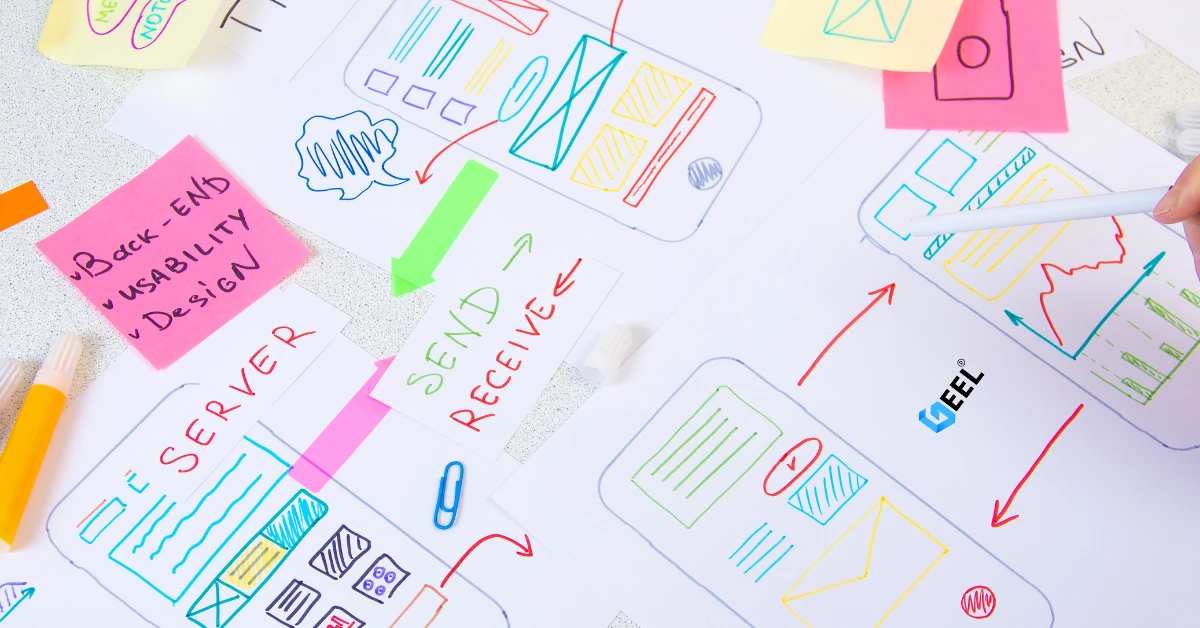
The 5 Most Important Processes Performed by Mobile App Development Experts
11.Aug.2024