



 GeelTech, Wakalat Street, Amman

Computer Systems Analyst: Role, Skills, and Deliverables explains what this role actually does (especially in Jordan and GCC business environments), how analysts translate business needs into technical solutions, and what outputs you should expect across documentation, testing, and implementation.
What is a computer systems analyst?
A computer systems analyst is the bridge between business goals and technology execution. They study how a company works today, identify gaps and inefficiencies, and translate requirements into a clear plan that developers and stakeholders can build and approve.
In practical projects (ERP, HRMS, booking platforms, e-commerce, internal dashboards), the analyst’s job is to make sure everyone agrees on:
-
what will be built
-
why it matters
-
how it should work
-
how success will be measured
What does a computer systems analyst do (in real projects)?
A systems analyst typically works across these stages:
1) Understand goals and constraints
-
What problem are we solving?
-
Who are the users (admin, staff, customer, finance, HR…)?
-
What must be integrated (payments, ERP, POS, WhatsApp, email, APIs)?
-
What constraints exist (timeline, budget, compliance, data access)?
2) Map current processes (as-is)
-
Document how the organization operates today
-
Identify bottlenecks (manual approvals, duplicated data, slow reporting)
-
Capture edge cases (cancellations, exceptions, approvals, escalations)
3) Design the target process (to-be)
-
Define the new workflow step-by-step
-
Clarify roles and permissions
-
Define approval chains and automation rules
-
Identify what data must be stored and reported
4) Write requirements and acceptance criteria
-
Functional requirements (what the system must do)
-
Non-functional requirements (speed, security, uptime, scalability)
-
Acceptance criteria (“done” conditions that can be tested)
5) Support solution design and handoff to delivery
-
Work with UI/UX designers on flows and screens
-
Work with developers on API contracts and integrations
-
Align on a delivery plan (modules, milestones, releases)
6) Validate via testing and UAT readiness
-
Prepare UAT scenarios (what users will test)
-
Ensure traceability (requirements → features → test cases)
-
Review outputs and confirm the system matches the spec
Deliverables you should expect from a strong systems analyst
These are common in larger systems (ERP/HRMS/custom platforms):
Requirements and documentation
-
BRD (Business Requirements Document)
-
SRS (Software Requirements Specification)
-
Process flows (as-is / to-be)
-
User stories + acceptance criteria
-
RTM (Requirements Traceability Matrix)
-
Data model notes (entities, key fields, relationships)
UI/UX support
-
User flows (end-to-end journeys)
-
Screen-level requirements (what each screen must show/do)
-
Error/empty/loading state expectations
-
Role-based variations (admin vs staff vs user)
Testing and launch readiness
-
UAT scenarios and checklists
-
Test cases for critical flows (login, payments, approvals, reports)
-
Go-live checklist (data migration, permissions, monitoring, training)
Common specializations related to the systems analyst role
People often mix titles—here’s the clean separation:
Business/System Analyst (core)
-
Focus: processes, requirements, workflows, stakeholder alignment
Solution Architect / System Designer
-
Focus: architecture, components, integrations, scalability, security design
QA Analyst (Quality Assurance)
-
Focus: test planning, test execution, regression, bug tracking, release quality
(Works closely with the systems analyst but is a different specialization.)
Programmer Analyst
-
Focus: analysis + implementation (writes code and builds modules)
(Common in smaller teams where one person does both analysis and development.)
Skills that matter most (Jordan & GCC projects)
Business and communication skills
-
Clarifying requirements without ambiguity
-
Running workshops and documenting decisions
-
Managing scope changes (change requests)
Technical literacy (not always “coding”, but must be technical)
-
Understanding APIs (REST), auth, roles/permissions
-
Comfort with data concepts (tables, relationships, reports)
-
Basic SQL helps a lot for reporting and validation
-
Understanding mobile/web limitations and performance basics
Tools commonly used
-
Documentation: Notion / Confluence / Google Docs
-
Tracking: Jira / Trello
-
UI/UX collaboration: Figma
-
Diagrams: flowcharts, BPMN/UML (as needed)
-
Versioning awareness: Git basics (even if not coding)
Do computer systems analysts need to code?
Not always. Many analysts don’t write production code.
However, coding (or at least technical fluency) becomes useful when:
-
you need to validate API behavior quickly
-
you must review data and reports (SQL)
-
you work closely with dev teams on complex integrations
A good rule: You don’t need to be a full developer, but you must understand how systems are built and tested.
Common mistakes (and how to avoid them)
-
Writing vague requirements → use testable acceptance criteria
-
Ignoring edge cases → document exceptions early (refunds, cancellations, permissions)
-
Mixing “wants” and “must-haves” → prioritize and freeze MVP scope
-
No traceability → maintain an RTM linking requirements to tests
-
Skipping training and handover → plan training + manuals before go-live
FAQ
What’s the difference between a business analyst and a systems analyst?
Often overlapping. A systems analyst typically goes deeper into system behavior, integrations, and how requirements become features and tests.
What industries need systems analysts most?
Any organization with complex workflows: finance, HR, logistics, e-commerce, healthcare operations, government services, and multi-branch companies.
What’s the fastest way to get good at this role?
Learn process mapping + requirements writing, practice turning real workflows into user stories, and build strong testing/UAT habits.
Explore our services: Mobile App Development • Website Design & Development • Custom Software Development
Our News

Yalla Tahadi App: A Unique Jordanian Experience of Fun and Brain Challenges
20.May.2025
Accounting & Auditing Website Guide in Jordan: What Your Firm Needs to Win Trust & Leads
14.Apr.2025
Travel & Tourism Booking Website Guide (Jordan): What You Actually Need to Get Bookings
14.Apr.2025
Construction Company Website Guide in Jordan: What to Include to Win More Projects
13.Apr.2025
Training Center & Private School Website Guide in Jordan: What to Include for Trust and Enrollments
13.Apr.2025
Engineering Office Website Guide in Jordan: What to Include for Trust and Project Leads
13.Apr.2025
Beauty Salon Website Guide in Jordan: What to Include for Bookings and Trust
13.Apr.2025
Lawyer Website Guide in Jordan & GCC: What to Include for Trust and Consultations
11.Apr.2025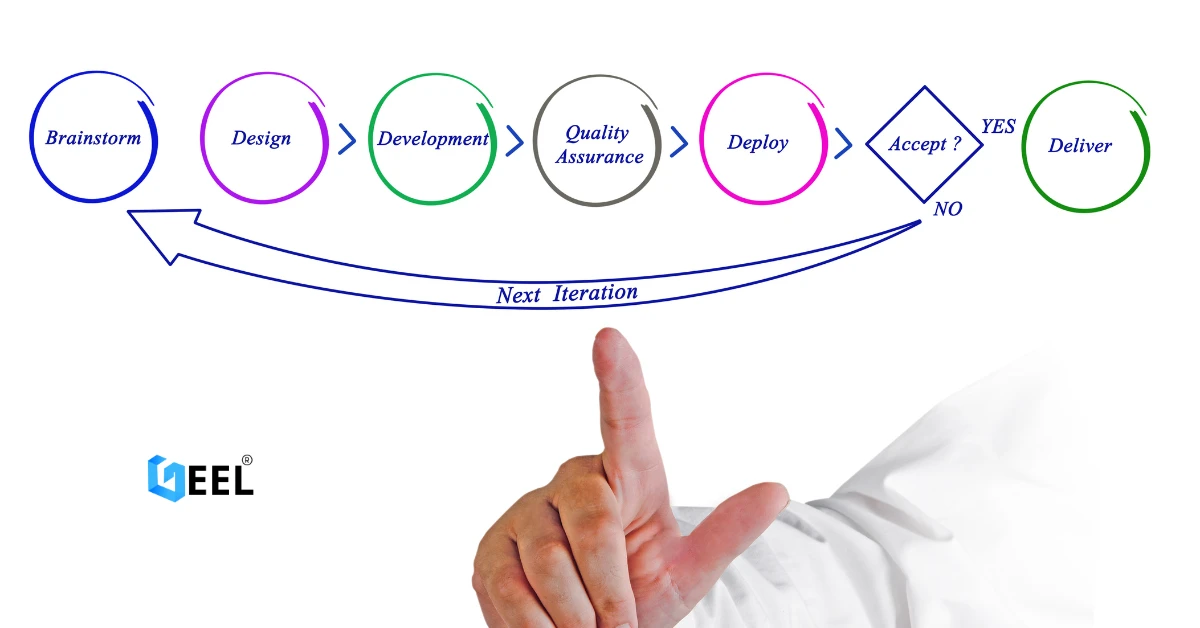
Geel Tech’s Methodology for Managing Large-Scale Tech Projects in Jordan & GCC
05.Apr.2025
How to Choose a Domain + Set Up Professional Email in Jordan
20.Mar.2025
How to Create a Google Business Profile in Jordan: A Step-by-Step Guide for Better Visibility
20.Mar.2025
Payment Gateway Selection Guide in Jordan & GCC: Requirements, Fees, and Integration Steps
19.Mar.2025
Geel Tech Prepares for Expansion into Saudi Arabia: A Strategic Step Towards a Tech-Driven Future
17.Mar.2025
The Future of Jobs: Which Roles Are Changing Fast and How to Adapt
15.Mar.2025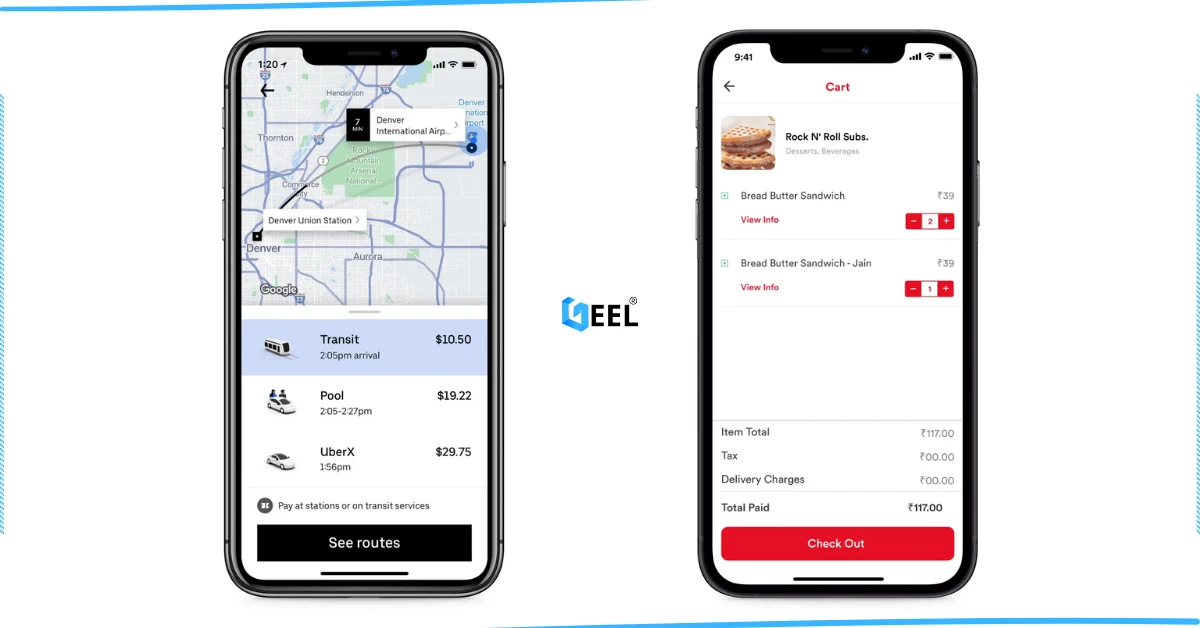
How to Create an App Similar to Uber or Talabat: A Practical Guide
01.Mar.2025
AI Use Cases for Jordanian Businesses (Automation, Analytics, Security) + Implementation Checklist
27.Feb.2025
Programming for Beginners in Jordan: A Comprehensive Guide to Roadmaps, Careers, and Future-Proof Benefits
04.Nov.2024
PHP Development in Jordan & GCC: Why It Still Powers Modern Websites and Business Systems
04.Nov.2024
Network Security and Compliance Solutions: A Practical Guide for Jordan & GCC Businesses
04.Nov.2024
How to Create a Restaurant Ordering System in Jordan & GCC (QR Menu + Online Payments)
04.Nov.2024
3 Types of Customer Relationship Management Software in Jordan & GCC
04.Nov.2024
Benefits of ERP Solutions in Jordan & GCC: A Practical Guide
04.Nov.2024
Wireless Network Infrastructure Specialist: Positions and Obligations
04.Nov.2024
Mobile App Developers in Jordan: What They Do and How to Work With Them
03.Nov.2024
How AI Is Transforming the World: A Practical Guide
25.Sep.2024
Artificial Intelligence and the Future of Humans: Opportunities, Challenges, and Impact
25.Sep.2024
3 Ways Artificial Intelligence Is Already Changing the World
25.Sep.2024
How to Create a Website for Free (and When It Stops Being Free)
25.Sep.2024
Mobile Development in Jordan & GCC: Ecosystem, Telecom Evolution, and App Launch Checklist
25.Sep.2024
Computer Science Technology: Definition, Key Fields, and Real-World Uses
25.Sep.2024
Computer Information Systems Administration (MIS): Practical Guide in Jordan & GCC
25.Sep.2024
Design of Gaming Applications: A Practical Guide in Jordan & GCC
17.Sep.2024
Educational Electronic Game Design: A Practical Guide in Jordan & GCC
05.Sep.2024
Mobile App Development Roadmap 2026: 9-Step Plan to Build and Launch an App
05.Sep.2024
Best Programming Language for E-commerce Websites (2026 Guide)
05.Sep.2024
Website Redesign Examples: What Changes and Why It Works
05.Sep.2024
Mobile-Friendly Website Design: SEO Impact, and Best Practices
28.Aug.2024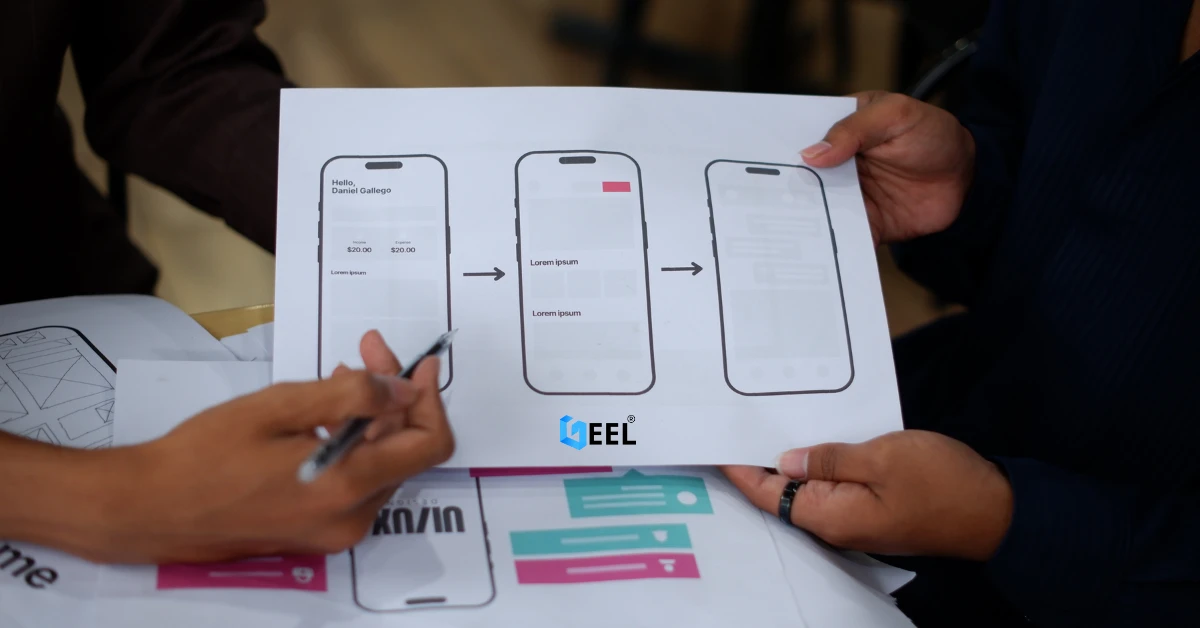
Custom Mobile App Development in Jordan & GCC: Business Benefits Checklist
27.Aug.2024
What Leading Mobile App Development Companies Aim to Achieve
24.Aug.2024
The 5 Most Important Processes Performed by Mobile App Development Experts
11.Aug.2024