



 GeelTech, Wakalat Street, Amman

Benefits of ERP Solutions in Jordan & GCC: A Practical Guide explains what ERP is, how it works, which modules matter most, and how to plan implementation with fewer surprises—using checklists, common pitfalls, and FAQs.
What is ERP (in simple terms)?
ERP (Enterprise Resource Planning) is a business system that connects core departments—finance, HR, procurement, inventory, sales, and operations—into one platform with shared data. The goal is to reduce duplication, improve control, and make reporting and decision-making faster and more reliable.
How ERP works
Most ERP platforms are built around:
-
A shared database (one “source of truth”)
-
Business modules (finance, HR, procurement, inventory, etc.)
-
Role-based access (each team sees what they need)
-
Workflows and approvals (who requests, who approves, who executes)
-
Reporting and dashboards (real-time or scheduled)
Instead of each department working in separate tools and spreadsheets, ERP ties the entire process together.
Core ERP modules (choose what fits your business)
Not every company needs every module. Common modules include:
Finance
-
General ledger, expenses, budgeting, invoicing, cash flow
-
Financial reports and audit readiness
Human Resources
-
Employee records, attendance, payroll integrations, leave workflows
Procurement
-
Purchase requests, approvals, vendor management, purchase orders
Inventory and Warehouse
-
Stock levels, receiving, issuing, transfers, wastage, cycle counts
Sales and CRM (optional, depending on your setup)
-
Quotes, orders, customer history, pipeline (sometimes separate CRM is better)
Supply chain and distribution (when applicable)
-
Replenishment planning, delivery tracking integrations, supplier coordination
Projects and services (when applicable)
-
Task costing, project budgeting, timesheets, resource allocation
Tip for Jordan & GCC operations: if you run multi-branch workflows or operate in multiple cities/countries, prioritize modules that support branch permissions, approvals, and standardized reporting.
Benefits of ERP solutions (what you can expect)
ERP benefits usually show up in these areas:
1) One source of truth
-
Less data duplication across departments
-
Fewer conflicting reports (“finance says X, operations says Y”)
2) Better process control and accountability
-
Approval trails for purchases and payments
-
Clear ownership of each step in the workflow
3) Faster reporting and decision-making
-
Consolidated dashboards for leadership
-
Real-time visibility into sales, costs, inventory, and performance
4) Operational efficiency
-
Automations for recurring tasks (approvals, routing, alerts)
-
Less manual entry, fewer errors, fewer delays
5) Scalable operations
-
Easier to add branches, teams, and new workflows
-
More consistent processes across locations (useful across GCC expansions)
Deployment options (what model fits your company?)
Cloud ERP
Best when you want faster rollout, easier scaling, and lower infrastructure overhead. Often better for multi-branch companies and remote access needs.
On-premise ERP
May fit organizations with strict internal hosting requirements or specific compliance constraints. Requires more infrastructure management.
Hybrid
Used when some systems must remain internal while other parts can be cloud-based.
Practical note: the “best” deployment is usually the one your team can maintain reliably and securely.
Implementation checklist (step-by-step)
This is the part that decides success more than the software itself.
Step 1: Define goals and scope
-
What problems are you solving (reporting, inventory accuracy, procurement control, etc.)?
-
Which departments go live first?
-
What KPIs will prove success (month-end close time, stock accuracy, PO cycle time)?
Step 2: Map your current processes
-
Document how work happens today (not how it “should” happen)
-
Identify approvals, exceptions, and edge cases
-
Decide what will change and what must stay
Step 3: Choose modules and integrations
-
ERP modules required now vs later
-
Integrations: accounting tools, POS, e-commerce, payment systems, HR/payroll tools, WhatsApp/email, etc.
-
Data sources that must feed into ERP
Step 4: Prepare your data
-
Clean customers/vendors/items/GL accounts
-
Remove duplicates and standardize naming
-
Decide data migration rules (what history to move)
Step 5: Configure roles and permissions
-
Who can create, approve, view, export?
-
Segmentation by branch, department, and role
-
Audit logs for sensitive actions
Step 6: Build, test, and train
-
Test workflows end-to-end (purchase → receiving → invoice → payment)
-
UAT scenarios for each department
-
Train teams on daily usage (not only features)
Step 7: Go-live plan
-
Choose rollout approach: phased vs big-bang
-
Go-live support process
-
Post-launch monitoring and fixes
Common mistakes (and how to avoid them)
Choosing ERP without fixing the process
Fix: map workflows first, then select/configure software around them.
Migrating dirty data
Fix: clean and deduplicate data before migration, not after go-live.
Overloading phase 1
Fix: launch core modules first, then add advanced modules after stability.
Weak permissions
Fix: role-based access + audit trails from day one.
Underestimating change management
Fix: assign owners per department and train based on real daily tasks.
FAQ
Is ERP only for large companies?
No. Many small and medium businesses benefit from ERP when operations become too complex for spreadsheets and disconnected tools.
Can ERP replace CRM?
Sometimes ERP includes CRM-like features, but many businesses use ERP for operations and a separate CRM for sales. The best choice depends on your workflow and integrations.
How do we know which modules we need?
Start with the modules that remove bottlenecks and improve control: finance, procurement, inventory, and basic reporting—then expand.
Should we choose cloud ERP in Jordan & GCC?
Cloud is often the fastest to implement and scale across branches, but the best choice depends on your security, compliance, and operational constraints.
Conclusion
ERP is most valuable when it unifies data, standardizes workflows, and turns reporting into something reliable and fast. Use the module and implementation checklists above to choose the right scope, prepare your data, and avoid rollout mistakes—especially if you operate across multiple branches in Jordan and the GCC.
Explore our services: Mobile App Development • Website Design & Development • Custom Software Development
Our News

Yalla Tahadi App: A Unique Jordanian Experience of Fun and Brain Challenges
20.May.2025
Accounting & Auditing Website Guide in Jordan: What Your Firm Needs to Win Trust & Leads
14.Apr.2025
Travel & Tourism Booking Website Guide (Jordan): What You Actually Need to Get Bookings
14.Apr.2025
Construction Company Website Guide in Jordan: What to Include to Win More Projects
13.Apr.2025
Training Center & Private School Website Guide in Jordan: What to Include for Trust and Enrollments
13.Apr.2025
Engineering Office Website Guide in Jordan: What to Include for Trust and Project Leads
13.Apr.2025
Beauty Salon Website Guide in Jordan: What to Include for Bookings and Trust
13.Apr.2025
Lawyer Website Guide in Jordan & GCC: What to Include for Trust and Consultations
11.Apr.2025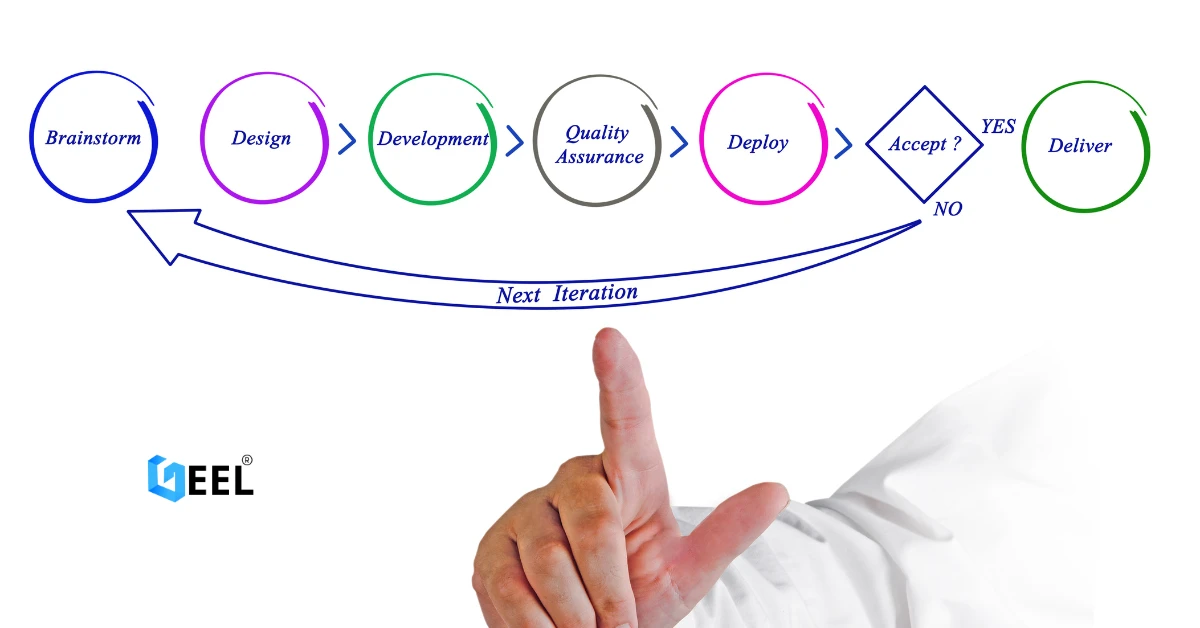
Geel Tech’s Methodology for Managing Large-Scale Tech Projects in Jordan & GCC
05.Apr.2025
How to Choose a Domain + Set Up Professional Email in Jordan
20.Mar.2025
How to Create a Google Business Profile in Jordan: A Step-by-Step Guide for Better Visibility
20.Mar.2025
Payment Gateway Selection Guide in Jordan & GCC: Requirements, Fees, and Integration Steps
19.Mar.2025
Geel Tech Prepares for Expansion into Saudi Arabia: A Strategic Step Towards a Tech-Driven Future
17.Mar.2025
The Future of Jobs: Which Roles Are Changing Fast and How to Adapt
15.Mar.2025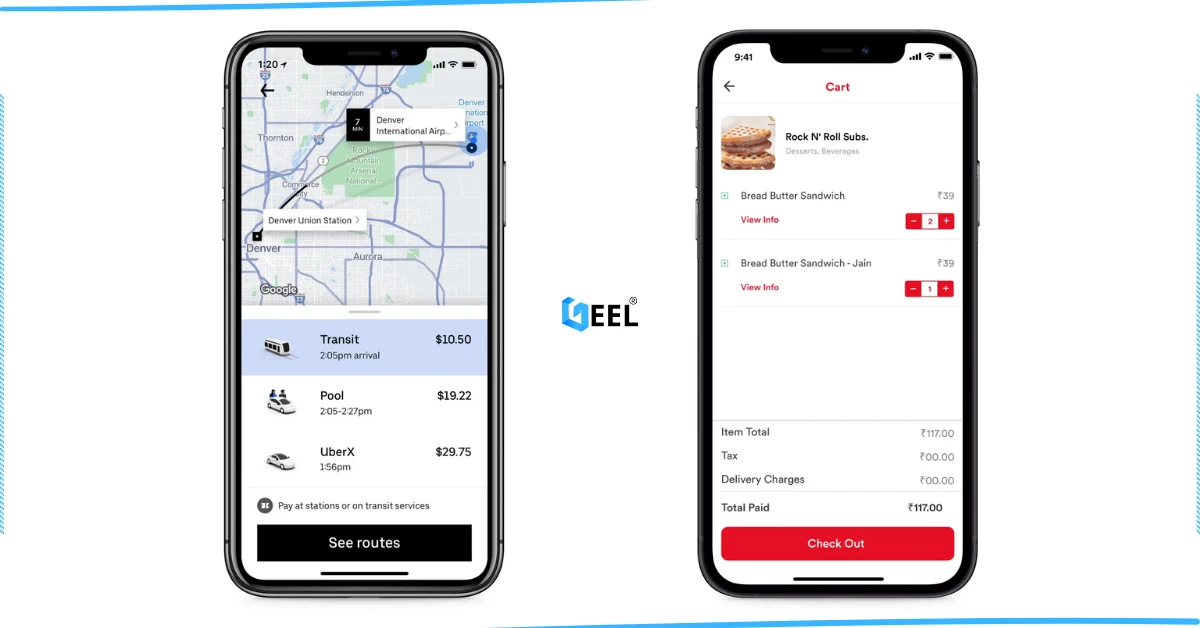
How to Create an App Similar to Uber or Talabat: A Practical Guide
01.Mar.2025
AI Use Cases for Jordanian Businesses (Automation, Analytics, Security) + Implementation Checklist
27.Feb.2025
Programming for Beginners in Jordan: A Comprehensive Guide to Roadmaps, Careers, and Future-Proof Benefits
04.Nov.2024
PHP Development in Jordan & GCC: Why It Still Powers Modern Websites and Business Systems
04.Nov.2024
Network Security and Compliance Solutions: A Practical Guide for Jordan & GCC Businesses
04.Nov.2024
How to Create a Restaurant Ordering System in Jordan & GCC (QR Menu + Online Payments)
04.Nov.2024
3 Types of Customer Relationship Management Software in Jordan & GCC
04.Nov.2024
Wireless Network Infrastructure Specialist: Positions and Obligations
04.Nov.2024
Mobile App Developers in Jordan: What They Do and How to Work With Them
03.Nov.2024
How AI Is Transforming the World: A Practical Guide
25.Sep.2024
Artificial Intelligence and the Future of Humans: Opportunities, Challenges, and Impact
25.Sep.2024
3 Ways Artificial Intelligence Is Already Changing the World
25.Sep.2024
How to Create a Website for Free (and When It Stops Being Free)
25.Sep.2024
Mobile Development in Jordan & GCC: Ecosystem, Telecom Evolution, and App Launch Checklist
25.Sep.2024
Computer Science Technology: Definition, Key Fields, and Real-World Uses
25.Sep.2024
Computer Systems Analyst: Role, Skills, and Deliverables
25.Sep.2024
Computer Information Systems Administration (MIS): Practical Guide in Jordan & GCC
25.Sep.2024
Design of Gaming Applications: A Practical Guide in Jordan & GCC
17.Sep.2024
Educational Electronic Game Design: A Practical Guide in Jordan & GCC
05.Sep.2024
Mobile App Development Roadmap 2026: 9-Step Plan to Build and Launch an App
05.Sep.2024
Best Programming Language for E-commerce Websites (2026 Guide)
05.Sep.2024
Website Redesign Examples: What Changes and Why It Works
05.Sep.2024
Mobile-Friendly Website Design: SEO Impact, and Best Practices
28.Aug.2024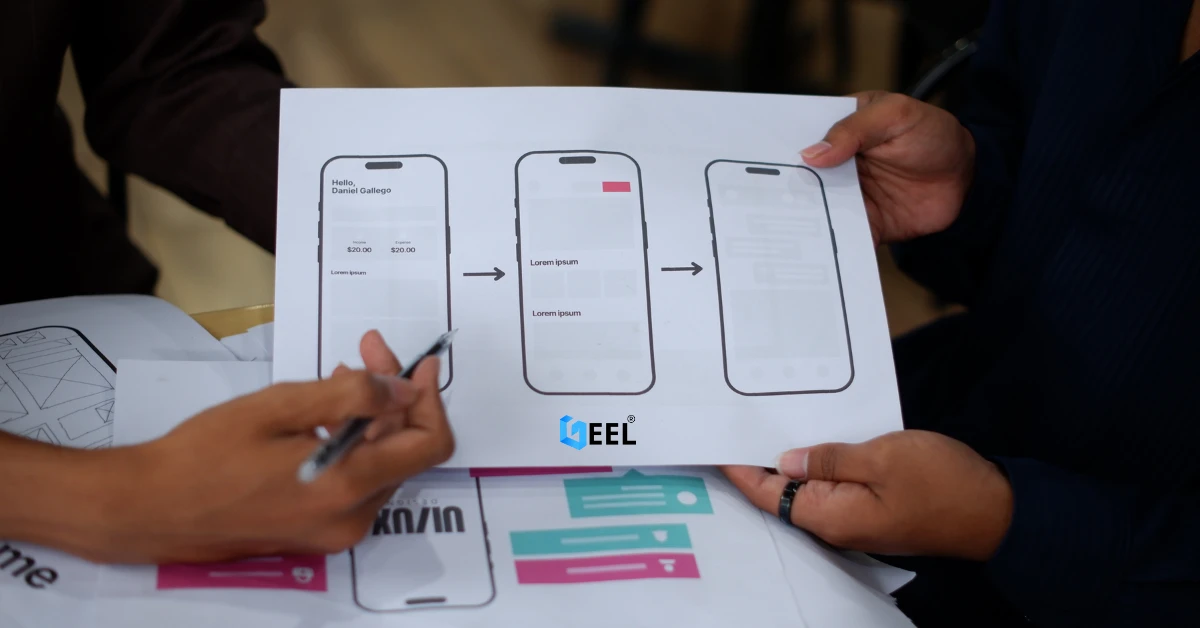
Custom Mobile App Development in Jordan & GCC: Business Benefits Checklist
27.Aug.2024
What Leading Mobile App Development Companies Aim to Achieve
24.Aug.2024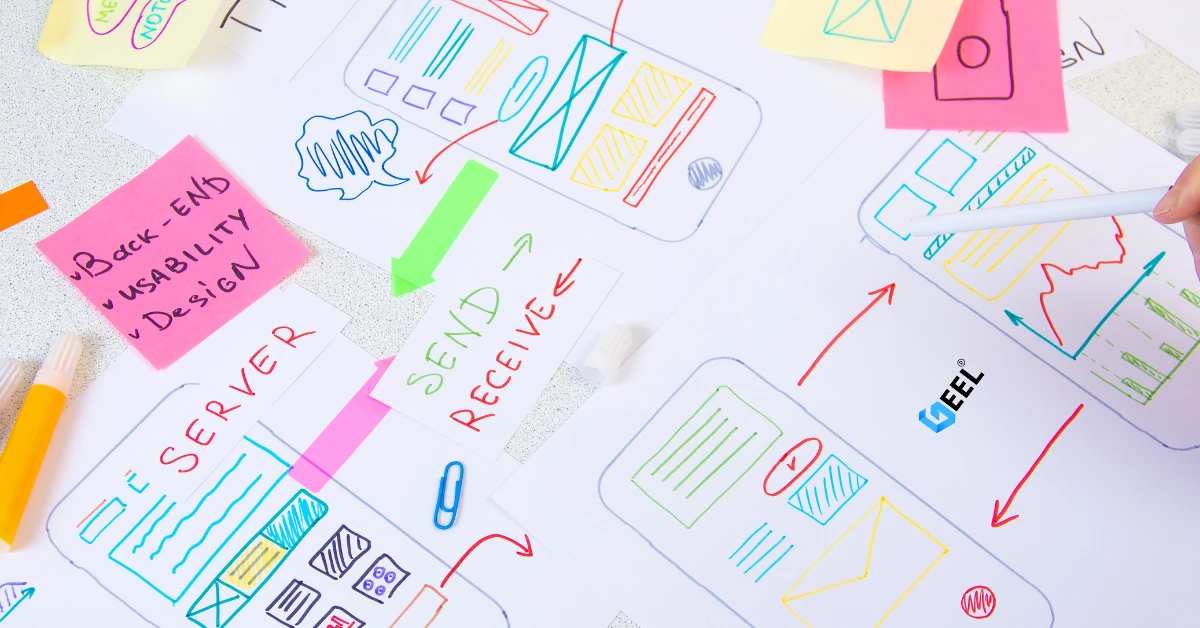
The 5 Most Important Processes Performed by Mobile App Development Experts
11.Aug.2024