GeelTech, Wakalat Street, Amman





Introduction
Building a successful mobile application in 2026 requires more than a great idea. With increasing competition, evolving technologies, and higher user expectations, businesses need a structured approach that turns concepts into scalable digital products. Whether you're a startup founder, entrepreneur, product manager, or established business owner, following a clear development roadmap can significantly reduce risks, control costs, and improve your chances of success.
This Mobile App Development Roadmap 2026 provides a step-by-step framework that guides you through every stage of the app development journey—from validating your idea and defining your target audience to designing, developing, testing, launching, and scaling your application. Instead of rushing into development, successful companies follow a strategic process that ensures every decision is aligned with business goals and user needs.
The mobile app market continues to grow rapidly, making it more important than ever to build products that solve real problems and deliver exceptional user experiences. A well-planned roadmap helps teams avoid common mistakes, prioritize essential features, select the right technology stack, and allocate resources efficiently throughout the project lifecycle.
What You'll Learn in This Guide
In this roadmap, you'll discover how to:
-
Validate your app idea before investing significant resources.
-
Define business goals and user requirements.
-
Plan and develop a Minimum Viable Product (MVP).
-
Choose the right technology stack for your project.
-
Design a seamless user experience.
-
Test and launch your app successfully.
-
Scale and optimize your application for long-term growth.
By following these proven steps, you'll be better equipped to transform your idea into a high-performing mobile application that meets user expectations and achieves business objectives.
Who Is This Mobile App Development Roadmap For?
This roadmap is designed for:
- Startup founders building their first mobile product.
- Business owners looking to digitize services.
- Product managers planning new app initiatives.
- Companies seeking a structured app development process.
- Entrepreneurs validating app ideas before development.
Table of Contents
-
Roadmap at a Glance (Timeline)
-
Step 1: Validate Your App Idea
-
Step 2: Define MVP vs Full Product
-
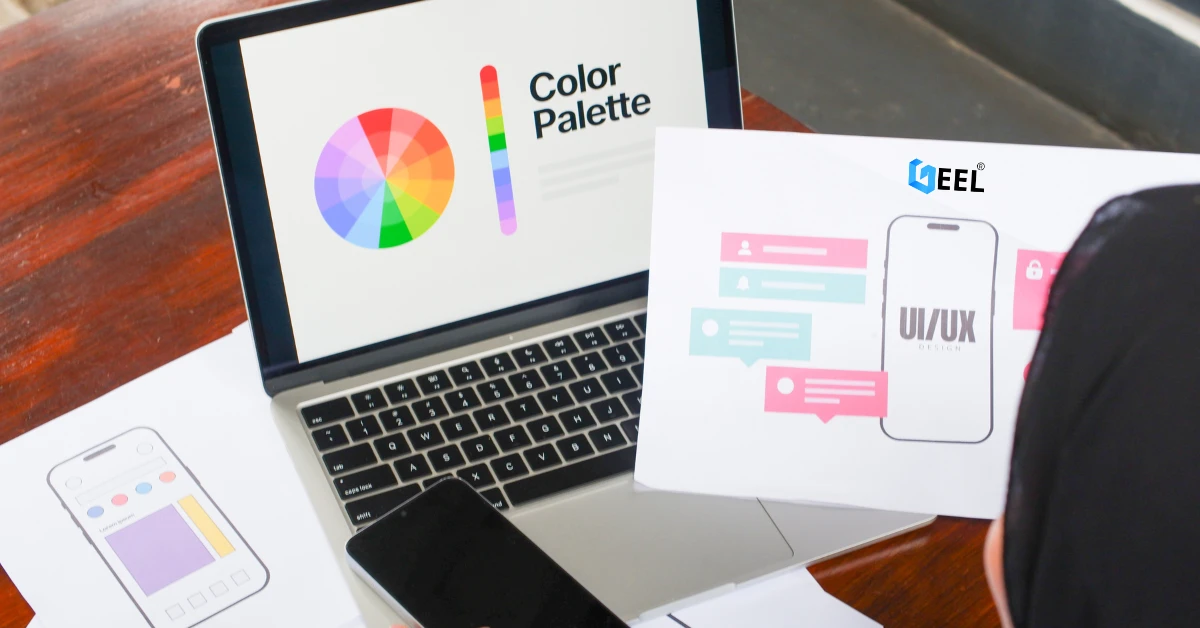
Step 3: UI/UX Design That Improves Retention
-
Step 4: Choose the Right Tech Stack
-
Step 5: Architecture, Backend & Database Planning
-
Step 6: Development Plan
-
Step 7: Testing, Security & Performance
-
Step 8: Launch on App Store & Google Play
-
Step 9: Post-Launch Growth
-
Mobile App Development Cost in 2026
-
Mobile App Development Roadmap Checklist
-
Common Mistakes in Mobile App Development
-
FAQ
-
Conclusion
Roadmap at a Glance (Timeline)
| Stage | Timeline | Deliverables |
|---|---|---|
| Validation | Week 1–2 | Market research, user interviews |
| MVP Planning | Week 2 | Feature prioritization |
| UI/UX Design | Week 2–4 | Wireframes and prototype |
| Architecture Planning | Week 3–4 | Backend and database design |
| Development | Week 4–10 | Frontend and backend implementation |
| Testing | Week 8–12 | QA, performance, security |
| Launch | Week 12+ | Store deployment |
| Growth | Ongoing | Analytics and iteration |
Tip: Build an MVP first. Real users will tell you which features deserve investment.
Step 1: Validate Your App Idea (Before Any Code)
Most mobile apps fail because development begins before validation.
Before spending money on development, answer four questions:
Who is your target user?
Clearly define:
-
Demographics
-
Location
-
User behavior
-
Technical skill level
What problem are you solving?
Strong products solve clear pain points.
Weak products add features without solving meaningful problems.
What is the core action?
Examples:
-
Book an appointment
-
Place an order
-
Request a service
-
Complete a payment
How will you monetize?
Common models include:
-
Subscription
-
Commission
-
Advertising
-
Marketplace fees
-
One-time purchases
Validation Checklist
-
Conduct 10–20 interviews
-
Analyze competitors
-
Create a landing page
-
Build a waiting list
-
Test pricing assumptions
Step 2: Define MVP vs Full Product
One of the biggest mistakes founders make is building the final version first.
What Is an MVP?
A Minimum Viable Product is the smallest version of your app that delivers real value to users.
The goal is learning, not perfection.
MVP Examples
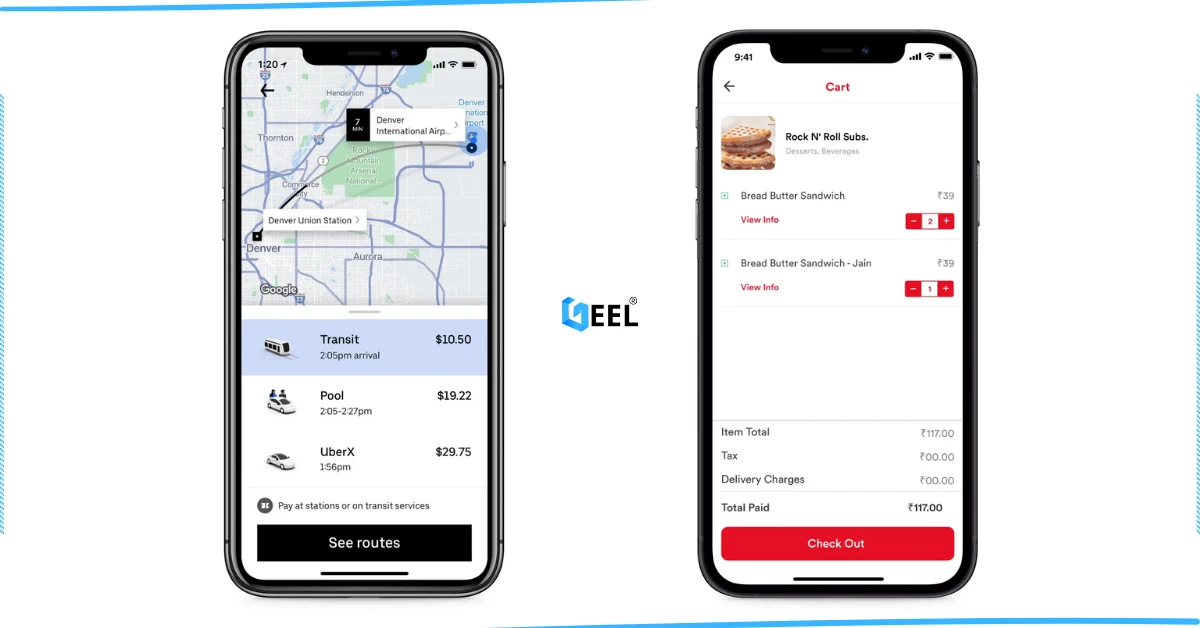
Delivery App
Include:
-
User registration
-
Ordering
-
Driver assignment
-
Basic tracking
Exclude:
-
Loyalty programs
-
AI recommendations
-
Advanced analytics
Booking App
Include:
-
Calendar
-
Booking flow
-
Confirmation notifications
Exclude:
-
CRM automation
-
Advanced reporting
Step 3: UI/UX Design That Improves Retention
User experience directly impacts retention and conversion rates.
Mobile-First Navigation
Users should complete key actions with minimal effort.
Onboarding Experience
Avoid:
-
Long forms
-
Immediate permission requests
-
Too many setup screens
Accessibility Standards
Include:
-
Readable typography
-
High contrast
-
Large touch targets
-
Clear call-to-action buttons
Deliverables Before Development
Every project should have:
-
User flows
-
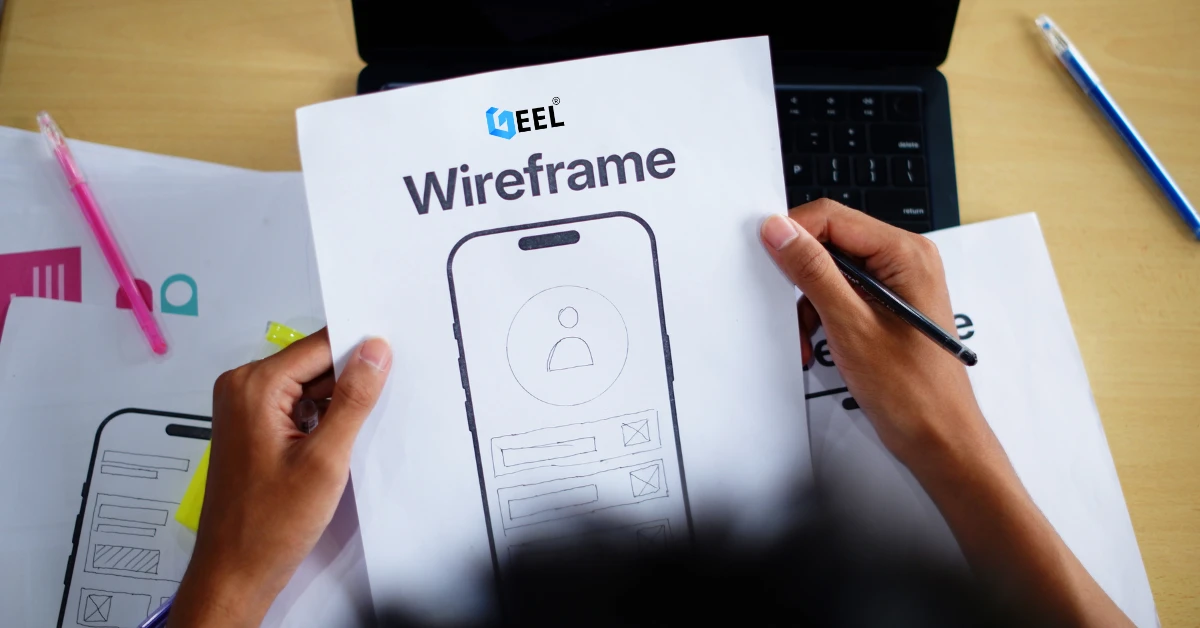
Wireframes
-
Interactive prototype
-
Design system
-
UI kit
Figma remains one of the most widely used tools for UI/UX design.
Step 4: Choose the Right Tech Stack (2026 Update)
Selecting the wrong technology can increase costs and delay launches.
Flutter
Best for:
-
MVPs
-
Marketplaces
-
Booking apps
-
E-commerce
Advantages:
-
Single codebase
-
Faster development
-
Consistent UI
React Native
Best for:
-
Fast-moving products
-
JavaScript teams
Advantages:
-
Large ecosystem
-
Strong community support
Native Development
Swift (iOS)
Kotlin (Android)
Best for:
-
Performance-critical apps
-
Deep device integrations
-
Enterprise applications
Backend Technologies
Popular choices include:
-
Node.js
-
Python
-
Laravel
-
.NET
AI Tools Developers Use in 2026
AI is now part of the development workflow.
Popular tools include:
-
GitHub Copilot
-
AI code review tools
-
Automated documentation assistants
-
AI-powered test generation
AI improves productivity but cannot replace architecture planning, testing, or product strategy.
Step 5: Architecture, Backend & Database Planning
Good architecture prevents expensive rewrites later.
Authentication
Options include:
-
Email login
-
Phone OTP
-
Google login
-
Apple login
-
SSO
Database Selection
Relational Databases
Examples:
-
PostgreSQL
-
MySQL
Best for:
-
Transactions
-
Structured data
NoSQL Databases
Examples:
-
MongoDB
Best for:
-
Flexible schemas
-
Rapid iteration
Infrastructure Planning
Consider:
-
File storage
-
CDN
-
Backups
-
Monitoring
-
Logging
Push Notifications
Push notifications are commonly managed using Firebase and Apple Push Notification Services.
They are useful for order updates, booking reminders, delivery tracking, account alerts, and re-engagement campaigns.
Admin Dashboard
An admin panel is not optional.
It enables:
-
User management
-
Order management
-
Content moderation
-
Support workflows
Step 6: Development Plan (Sprints, Milestones, QA)
Sprint 1
-
Authentication
-
Navigation
-
Core database models
Sprint 2
-
Core business functionality
-
API integration
Sprint 3
-
Notifications
-
Admin dashboard
Sprint 4
-
Payments
-
Reporting
-
Edge cases
Sprint 5
-
Optimization
-
QA
-
Launch preparation
Definition of Done
Every feature should be:
-
Implemented
-
Tested
-
Tracked with analytics
-
Security reviewed
-
Performance validated
Step 7: Testing, Security, and Performance
Testing Types
Unit Testing
Validates business logic.
Integration Testing
Validates API communication.
Regression Testing
Prevents updates from breaking existing functionality.
Real Device Testing
Always test on physical devices.
Security Essentials
-
Encrypted sensitive data
-
Secure authentication
-
Role-based access control
-
API rate limiting
-
Monitoring and alerts
Performance Expectations in 2026
Users expect:
-
Fast startup times
-
Smooth navigation
-
Fast API responses
-
Minimal crashes
Step 8: Launch on App Store & Google Play (ASO + Compliance)
Launch Checklist
-
Privacy Policy
-
Terms of Service
-
Store screenshots
-
Optimized title and description
-
Proper permissions
-
Crash-free build
Review the official App Store Review Guidelines before submission.
Ensure compliance with Google Play policies to avoid delays or rejection during the review process.
App Store Optimization (ASO)
Focus on:
-
App title
-
Keywords
-
Screenshots
-
Ratings and reviews
-
Retention signals
Step 9: Post-Launch Growth (Analytics, Iteration, Scaling)
Launch is only the beginning.
Track These KPIs
Activation Rate
How many users complete onboarding?
Retention
-
Day 1
-
Day 7
-
Day 30
Conversion Rate
Purchases, bookings, or completed transactions.
Crash Rate
Technical health of the application.
Growth Loop
-
Release updates every 2–4 weeks
-
Improve onboarding
-
Analyze user behavior
-
Optimize conversion funnels
Mobile App Development Cost in 2026
Cost depends on:
-
Features
-
Platforms
-
Integrations
-
Security requirements
-
Team size
| App Type | Complexity |
|---|---|
| MVP | Low–Medium |
| Booking App | Medium |
| Marketplace | Medium–High |
| Delivery App | High |
| Fintech App | Very High |
The earlier you define scope, the more predictable your budget becomes.
Mobile App Development Roadmap Checklist
Before launch, ensure you have completed the following:
Product
-
Problem validated
-
User interviews completed
-
Monetization model defined
Design
-
User flows completed
-
Wireframes approved
-
Prototype tested
Development
-
MVP features completed
-
Analytics implemented
-
Admin panel ready
Quality
-
QA completed
-
Security reviewed
-
Performance optimized
Launch
-
Store assets prepared
-
Privacy policy published
-
ASO completed
Common Mistakes in Mobile App Development (2026)
-
Building too many features before validation
-
Ignoring UI/UX
-
Weak testing practices
-
No analytics implementation
-
Overcomplicated architecture
-
Missing admin panel
-
Poor onboarding experience
-
Compliance and privacy issues
-
No post-launch roadmap
Frequently Asked Questions (FAQs)
How Much Does It Cost to Build a Mobile App in 2026?
The cost of mobile app development in 2026 depends on factors such as app complexity, required features, design requirements, integrations, and development approach. A simple MVP typically costs significantly less than a feature-rich enterprise application. Defining your project scope early is the best way to estimate costs accurately.
What Is the Best Tech Stack for Mobile App Development in 2026?
The ideal tech stack depends on your business goals and project requirements. Flutter and React Native remain popular choices for cross-platform development, while Swift and Kotlin are preferred for native iOS and Android applications. Backend technologies such as Node.js, Laravel, Django, Firebase, and PostgreSQL are also widely used.
How Long Does Mobile App Development Take?
Development timelines vary depending on the complexity of the application. A basic MVP can take a few months, while larger applications may require six months or more. Planning, design, development, testing, and deployment all contribute to the overall timeline.
Should Startups Build an MVP First?
Yes. Building a Minimum Viable Product (MVP) allows startups to validate their idea, gather real user feedback, reduce development risks, and avoid investing heavily in features that may not be needed. It is often the most efficient way to enter the market.
Is Flutter Better Than React Native in 2026?
Both frameworks are excellent options. Flutter is known for its highly customizable UI and consistent performance, while React Native is favored by teams already experienced with JavaScript and React. The right choice depends on your project requirements, team expertise, and long-term goals.
What Are the Main Stages of Mobile App Development?
A successful mobile app development process typically includes idea validation, market research, requirement gathering, UI/UX design, MVP development, testing, deployment, maintenance, and scaling. Following a structured roadmap helps ensure smoother project execution.
How Do You Validate a Mobile App Idea Before Development?
You can validate an app idea by researching competitors, interviewing potential users, conducting surveys, building landing pages, and testing prototypes. These methods help determine whether there is genuine market demand before investing in full development.
Should You Build for iOS, Android, or Both?
The answer depends on your target audience and budget. Businesses targeting a broad audience often choose cross-platform development to launch on both platforms simultaneously, while others may prioritize a single platform based on user demographics and market research.
What Mistakes Should Businesses Avoid When Building a Mobile App?
Common mistakes include skipping market research, adding too many features too early, neglecting user experience, choosing the wrong technology stack, underestimating testing requirements, and launching without a clear marketing strategy.
How Do You Choose the Right Mobile App Development Company?
Look for a company with proven experience, strong technical expertise, a solid portfolio, transparent communication, and reliable post-launch support. The right development partner should understand your business goals and help guide your project from concept to launch.
Conclusion
Building a successful mobile application is not about adding more features—it's about following the right process at the right time.
This mobile app development roadmap provides a practical framework for turning an idea into a scalable product. By validating your concept early, defining a focused MVP, investing in user experience, selecting the right technology stack, and prioritizing testing and security, you can significantly reduce development risks and accelerate time-to-market.
Remember that launch is only the beginning. The most successful mobile applications continuously improve through user feedback, analytics, performance optimization, and regular updates.
Whether you're building a startup MVP, marketplace, booking platform, or enterprise solution, a structured roadmap helps ensure every stage of development is aligned with business goals and user needs.
The key principle is simple:
Build small. Learn fast. Improve continuously.
Need a Custom Mobile App Development Roadmap?
Every product has unique requirements.
If you're planning to build a mobile application and need guidance on features, architecture, timeline, technology selection, or budget estimation, our Mobile App Development Services team can help create a roadmap tailored to your business goals.
Many organizations partner with a software development company to accelerate delivery, reduce technical risks, and ensure their product is built on a scalable foundation from day one.