



 GeelTech, Wakalat Street, Amman

Design of Gaming Applications: A Practical Guide in Jordan & GCC walks through the real steps behind building a playable game—from idea and gameplay mechanics to UX/UI, development, testing, publishing, and post-launch updates.
What you’ll learn in this guide
-
How to turn a game idea into a clear plan
-
What to define in mechanics, rules, and progression
-
UI/UX essentials for mobile and cross-platform games
-
Common tech stack choices (engine, backend, analytics)
-
Testing checklist and performance targets
-
Launch and live-ops basics
-
Common mistakes + FAQ
Step 1: Define the game concept (before any design)
A strong concept is not just “a cool idea.” It’s a clear answer to:
Concept checklist
-
What is the core loop? (Play → reward → upgrade → repeat)
-
What makes it different? (theme, mechanic, twist, audience)
-
What platform first? (mobile, PC, web, console)
-
Single-player or multiplayer?
-
Online requirements? (accounts, cloud save, leaderboards)
-
Monetization plan (optional early decision): free, paid, ads, IAP
Market and audience check
-
Who is the player? (age, play style, session length)
-
What games do they already play?
-
What’s the realistic session time? (2–5 min casual vs 20+ min core)
Step 2: Plan the game design (rules, levels, progression)
Game mechanics (the “how it plays”)
Mechanics checklist
-
Rules and win/lose conditions
-
Controls and input style (tap, swipe, joystick, tilt)
-
Level structure (linear, stages, endless, open)
-
Difficulty curve (how it gets harder and when)
-
Reward system (coins, XP, items, unlocks)
-
Economy balance (avoid “too grindy” or “too easy”)
Game progression (the “why people keep playing”)
Progression checklist
-
Onboarding/tutorial (first 30–90 seconds)
-
Milestones (levels, ranks, achievements)
-
Daily/weekly challenges (optional)
-
Leaderboards (optional)
-
Retention hooks (careful: avoid annoying notifications)
Step 3: UX/UI for games (not just “nice screens”)
Game UX is about speed and clarity under pressure.
UI/UX checklist
-
Clear navigation (Play, Settings, Store, Profile)
-
Simple HUD (score, health, time, objectives)
-
Feedback signals: hit, success, fail, reward
-
Error and loading states that don’t break immersion
-
Accessibility basics (readable text, contrast, sound options)
-
Mobile-first layout if targeting Jordan & GCC phone usage patterns
Common UI mistake
Overloading the screen with icons and popups early. First sessions should be clean and guided.
Step 4: Art, animation, and audio (production quality)
Visuals and sound reinforce the feel of the game, but they must match scope.
Art checklist
-
Style choice: 2D or 3D (pick based on budget and timeline)
-
Consistent theme (characters, environment, UI style)
-
Performance-friendly assets (mobile devices vary a lot)
-
Animation priorities (movement, actions, rewards, transitions)
Audio checklist
-
Sound effects for actions and feedback
-
Background music (volume controls)
-
Optional voice (only if it adds real value)
Step 5: Choose the right tech stack (engine + backend)
Game engine options (typical)
Engine selection checklist
-
2D/3D complexity
-
Target platforms (Android/iOS first? PC later?)
-
Team skill set
-
Performance requirements
-
Asset pipeline and tooling
Common approaches:
-
Unity (widely used, strong cross-platform)
-
Unreal (high-end visuals, heavier scope)
-
Lightweight engines for 2D/casual (depends on game type)
Backend (only if you need online features)
You may need a backend for:
-
accounts/login
-
cloud saves
-
leaderboards
-
multiplayer
-
purchases validation
-
analytics events
Backend checklist:
-
APIs + authentication
-
database design (players, sessions, inventory)
-
anti-cheat signals (basic)
-
event logging and monitoring
Step 6: Build an MVP (first playable version)
A game MVP is the smallest version that proves the core loop is fun.
MVP checklist
-
One core loop fully playable
-
1–3 levels (or one endless mode)
-
Basic UI + settings
-
Basic performance target met on mid-range phones
-
Basic analytics events (start, finish, fail, level complete)
Step 7: Testing and performance (critical for games)
Functional testing
-
Controls and input reliability
-
Progression and rewards correctness
-
Save/load behavior
-
Edge cases (pause, background, reconnect)
Performance testing (mobile reality)
-
Smooth frame rate (stable gameplay matters more than visuals)
-
Fast load time (players quit fast if loading is long)
-
Memory management (avoid crashes)
-
Battery usage and overheating checks
Device compatibility testing
-
Multiple Android devices (different chipsets/screen sizes)
-
At least 2 iPhone models
-
Different network conditions (Wi-Fi, 4G/5G, weak signal)
Step 8: Launch and post-launch (Live Ops basics)
A game is not “done” at release.
Launch checklist
-
Store assets (screenshots, icons, age rating, description)
-
Privacy disclosures and permissions alignment
-
Crash monitoring and analytics dashboards
-
Soft launch (optional) to test retention and stability
Live Ops checklist (post-launch)
-
Bug fixes and balance updates
-
New content cycles (levels, skins, events)
-
A/B tests (optional) for onboarding and economy
-
Community feedback loop (reviews → patches)
Common mistakes (and how to avoid them)
-
Building too big before proving fun → ship MVP first
-
Ignoring onboarding → tutorial and first-session clarity are everything
-
Heavy 3D assets on mobile → optimize early
-
No analytics → you can’t improve what you don’t measure
-
Weak testing on devices → “works on my phone” is not enough
-
No update plan → games need iteration after release
FAQ
Is game design the same as game development?
Design defines the rules, mechanics, and experience. Development implements it (engine, code, assets, backend).
Should I build 2D or 3D first?
Choose based on budget, timeline, and target devices. Many mobile-first projects start 2D or lightweight 3D for stability.
Do I need multiplayer from day one?
Not always. Multiplayer increases complexity (servers, anti-cheat, matchmaking). Many teams validate single-player first.
What matters more: graphics or gameplay?
Gameplay loop and clarity usually matter more for retention—especially in mobile markets.
Related internal link
Mobile App Development in Jordan & GCC
Our News

Yalla Tahadi App: A Unique Jordanian Experience of Fun and Brain Challenges
20.May.2025
Accounting & Auditing Website Guide in Jordan: What Your Firm Needs to Win Trust & Leads
14.Apr.2025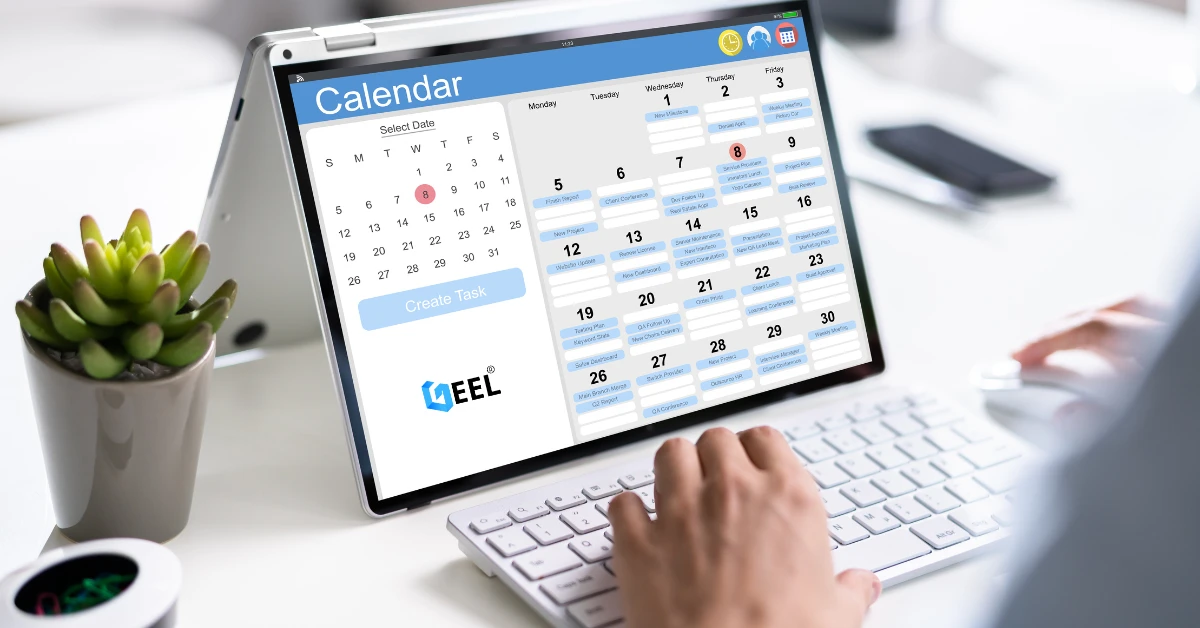
Travel & Tourism Booking Website Guide (Jordan): What You Actually Need to Get Bookings
14.Apr.2025
Construction Company Website Guide in Jordan: What to Include to Win More Projects
13.Apr.2025
Training Center & Private School Website Guide in Jordan: What to Include for Trust and Enrollments
13.Apr.2025
Engineering Office Website Guide in Jordan: What to Include for Trust and Project Leads
13.Apr.2025
Beauty Salon Website Guide in Jordan: What to Include for Bookings and Trust
13.Apr.2025
Lawyer Website Guide in Jordan & GCC: What to Include for Trust and Consultations
11.Apr.2025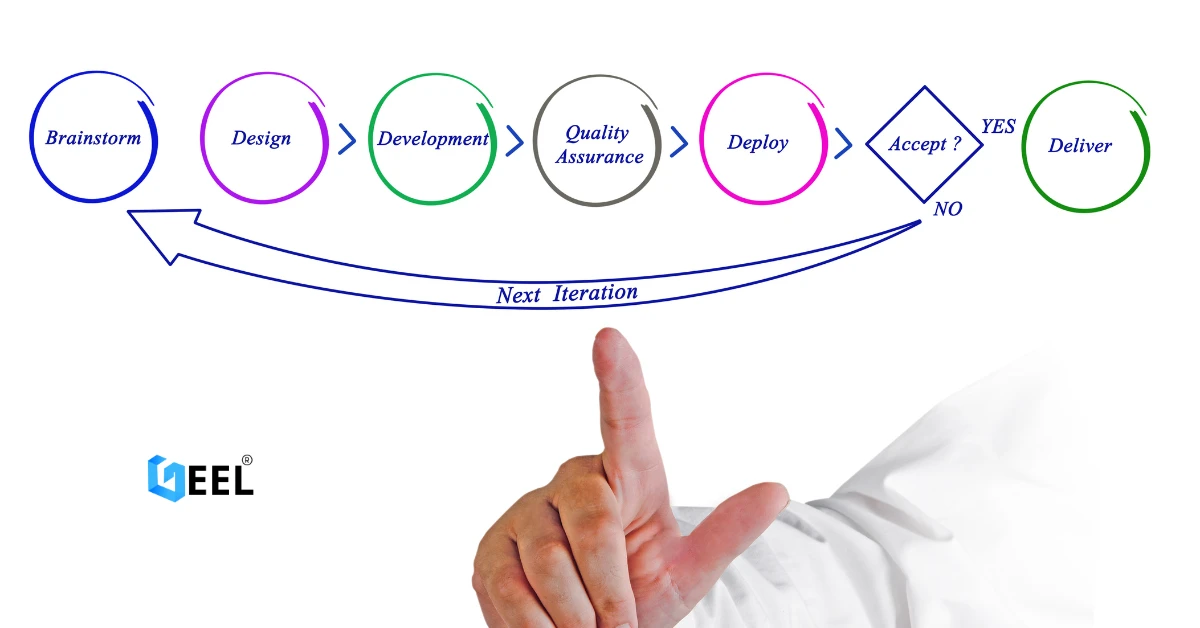
Geel Tech’s Methodology for Managing Large-Scale Tech Projects in Jordan & GCC
05.Apr.2025
How to Choose a Domain + Set Up Professional Email in Jordan
20.Mar.2025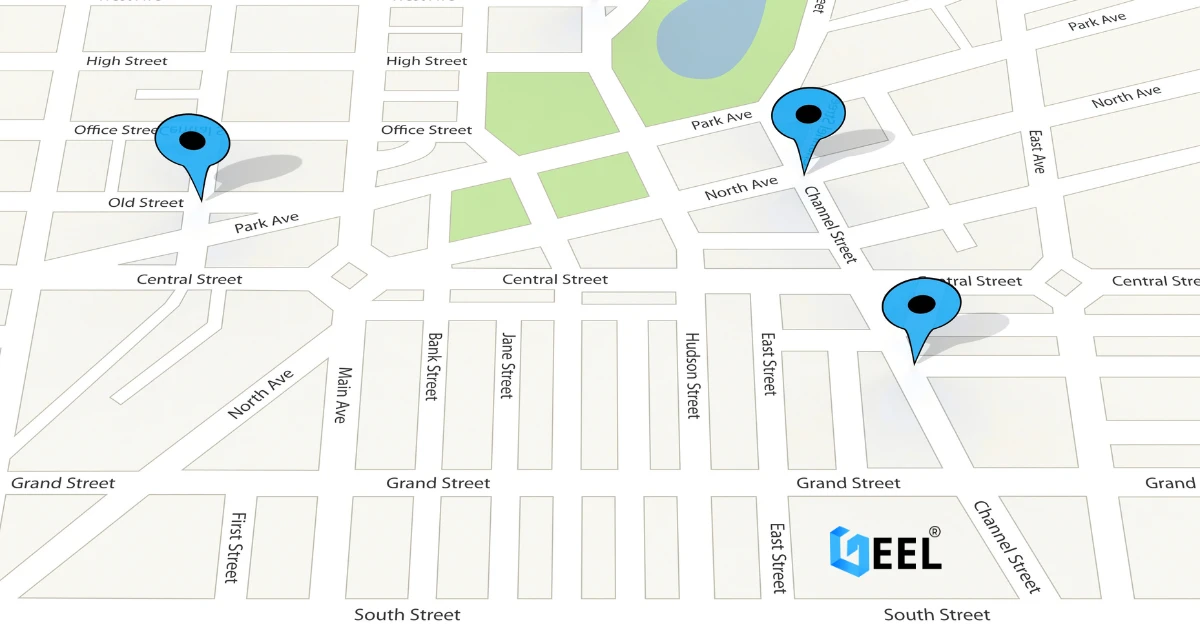
How to Create a Google Business Profile in Jordan: A Step-by-Step Guide for Better Visibility
20.Mar.2025
Payment Gateway Selection Guide in Jordan & GCC: Requirements, Fees, and Integration Steps
19.Mar.2025
Geel Tech Prepares for Expansion into Saudi Arabia: A Strategic Step Towards a Tech-Driven Future
17.Mar.2025
The Future of Jobs: Which Roles Are Changing Fast and How to Adapt
15.Mar.2025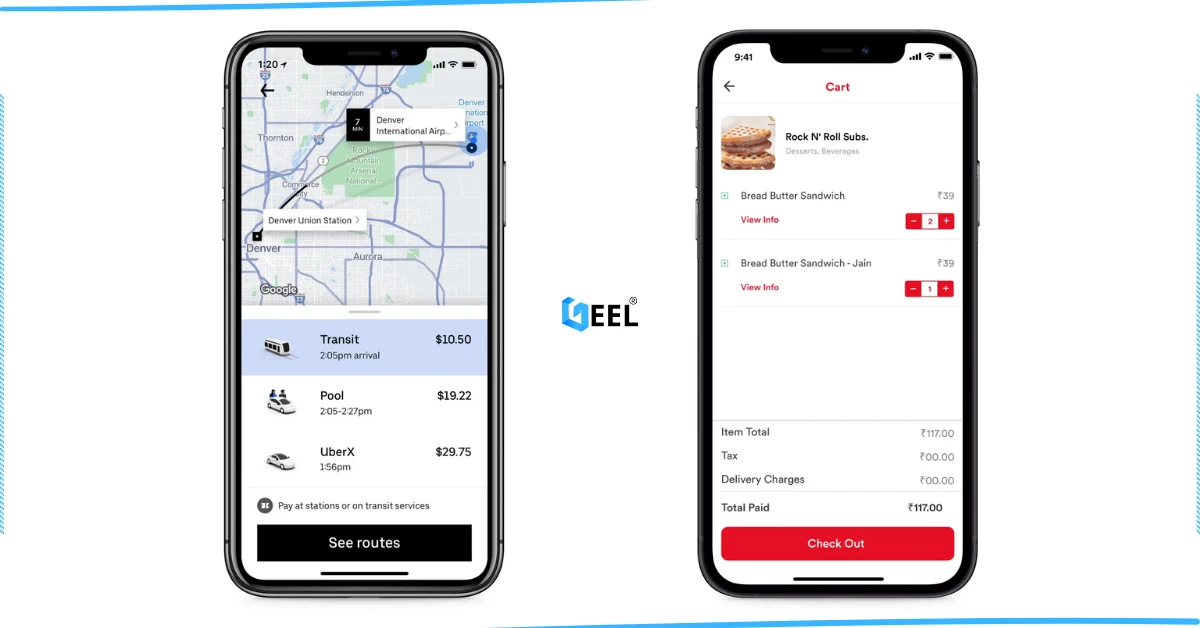
How to Create an App Similar to Uber or Talabat: A Practical Guide
01.Mar.2025
AI Use Cases for Jordanian Businesses (Automation, Analytics, Security) + Implementation Checklist
27.Feb.2025
Programming for Beginners in Jordan: A Comprehensive Guide to Roadmaps, Careers, and Future-Proof Benefits
04.Nov.2024
PHP Development in Jordan & GCC: Why It Still Powers Modern Websites and Business Systems
04.Nov.2024
Network Security and Compliance Solutions: A Practical Guide for Jordan & GCC Businesses
04.Nov.2024
How to Create a Restaurant Ordering System in Jordan & GCC (QR Menu + Online Payments)
04.Nov.2024
3 Types of Customer Relationship Management Software in Jordan & GCC
04.Nov.2024
Benefits of ERP Solutions in Jordan & GCC: A Practical Guide
04.Nov.2024
Wireless Network Infrastructure Specialist: Positions and Obligations
04.Nov.2024
Mobile App Developers in Jordan: What They Do and How to Work With Them
03.Nov.2024
How AI Is Transforming the World: A Practical Guide
25.Sep.2024
Artificial Intelligence and the Future of Humans: Opportunities, Challenges, and Impact
25.Sep.2024
3 Ways Artificial Intelligence Is Already Changing the World
25.Sep.2024
How to Create a Website for Free (and When It Stops Being Free)
25.Sep.2024
Mobile Development in Jordan & GCC: Ecosystem, Telecom Evolution, and App Launch Checklist
25.Sep.2024
Computer Science Technology: Definition, Key Fields, and Real-World Uses
25.Sep.2024
Computer Systems Analyst: Role, Skills, and Deliverables
25.Sep.2024
Computer Information Systems Administration (MIS): Practical Guide in Jordan & GCC
25.Sep.2024
Educational Electronic Game Design: A Practical Guide in Jordan & GCC
05.Sep.2024
Mobile App Development Roadmap 2026: 9-Step Plan to Build and Launch an App
05.Sep.2024
Best Programming Language for E-commerce Websites (2026 Guide)
05.Sep.2024
Website Redesign Examples: What Changes and Why It Works
05.Sep.2024
Mobile-Friendly Website Design: SEO Impact, and Best Practices
28.Aug.2024
Custom Mobile App Development in Jordan & GCC: Business Benefits Checklist
27.Aug.2024
What Leading Mobile App Development Companies Aim to Achieve
24.Aug.2024
The 5 Most Important Processes Performed by Mobile App Development Experts
11.Aug.2024